
Cyber security for Auckland businesses without a security team
Eight layers, managed by the same technicians who look after the rest of your IT, priced for a business of 5 to 50 people. Most of the risk goes with the cheap fixes on day one.
No single product. Eight layers that back each other up.
A phishing email gets through the filter. The staff member clicks. The link hits the DNS filter and dies. If it did not, the endpoint agent sees the payload start and isolates the laptop. If that failed too, MFA stops the stolen password being used, and the backup restores the files. That is the point of layers.
For a small business the aim is not perfection, it is being harder than the next target and recoverable if something lands. The first four items on the right remove most of the risk and cost the least. We do those first, every time.
Background reading: the threats NZ businesses actually face, real scam emails we have seen, and how proactive security looks week to week.
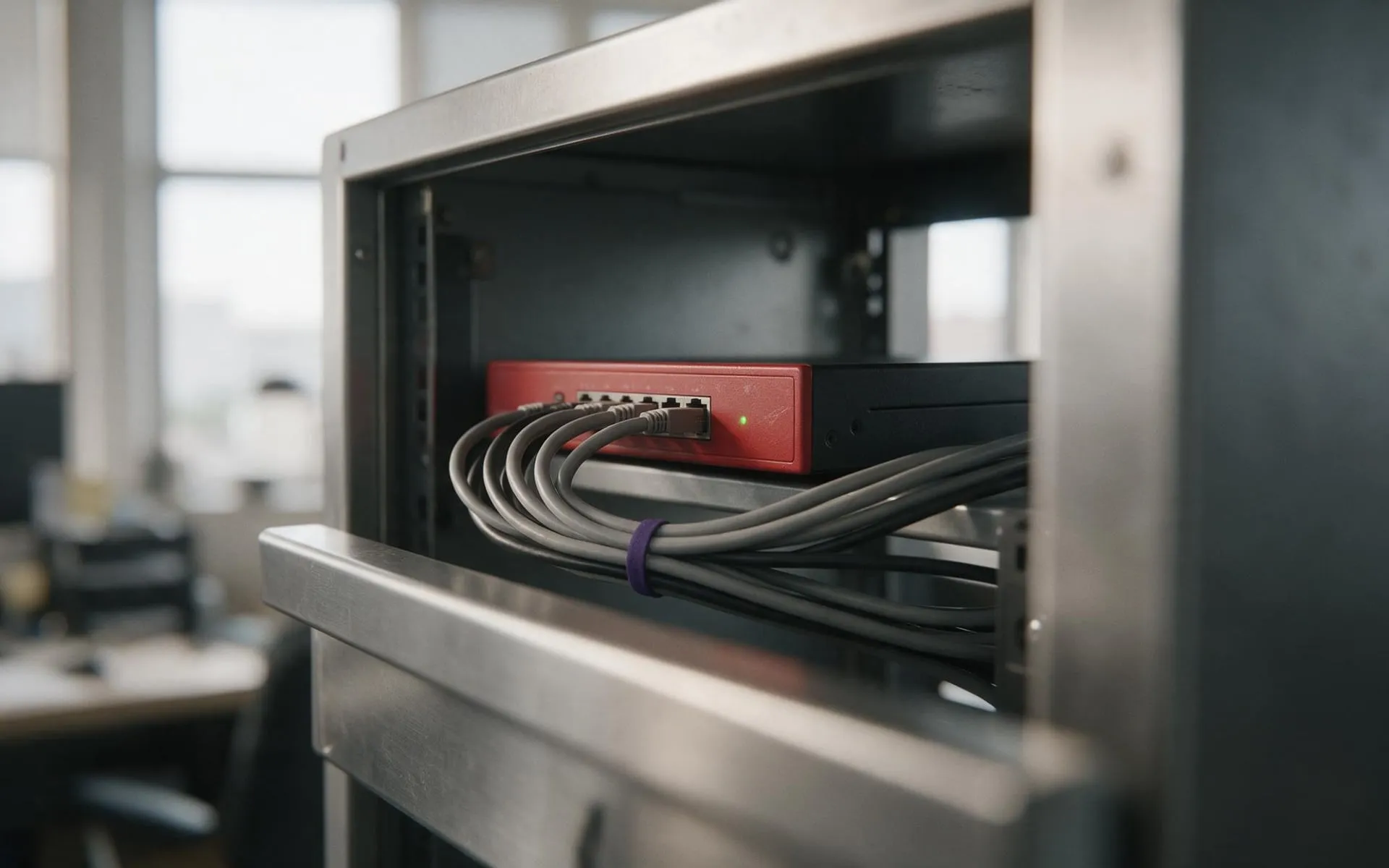
The firewall is the one piece of hardware
Everything else in the stack is software and settings. The Firebox is the box in the rack, and it earns its own page: models, what Total Security includes, and what a managed firewall costs.
WatchGuard firewall securityHow we secure a business
The same sequence every time, whether it is a dead laptop or a full server replacement.
What do cyber security services cost for a small business in NZ?
A managed firewall, endpoint protection and MFA for a 10-person office is a monthly fee per user plus a one-off install. We quote a firm number after the free check. It is a fraction of what one ransomware incident costs in downtime alone; our ransomware post walks through a real scenario.
We are small. Why would anyone target us?
Because you are easier. Attacks are automated: a script finds an open port or a reused password, not a person choosing you. Small businesses without MFA and a firewall are the path of least resistance, and the invoice fraud pays the same.
Why WatchGuard?
We have installed and managed WatchGuard Fireboxes for Auckland businesses for years. The hardware is sized for 5 to 100 users, the Total Security subscription covers the layers we would otherwise buy separately, and the reporting is readable by an owner, not just a technician. More on the WatchGuard firewall page.
Do you do penetration testing and compliance audits?
We do external vulnerability scans and configuration reviews ourselves, and bring in a specialist partner for formal penetration testing or an ISO 27001 or Privacy Act review when a client needs the certificate. We will tell you which one you actually need.
Someone clicked a link and something is happening now. What do we do?
Unplug the network cable or turn off Wi-Fi on that machine, do not turn it off, and call 0800 438 949. Managed clients have an incident line. We isolate, assess, restore from backup if needed, and reset what was exposed.
Everything else we look after
Seven services, one set of technicians, delivered on-site across Auckland or remotely. Pick one or hand us the lot.
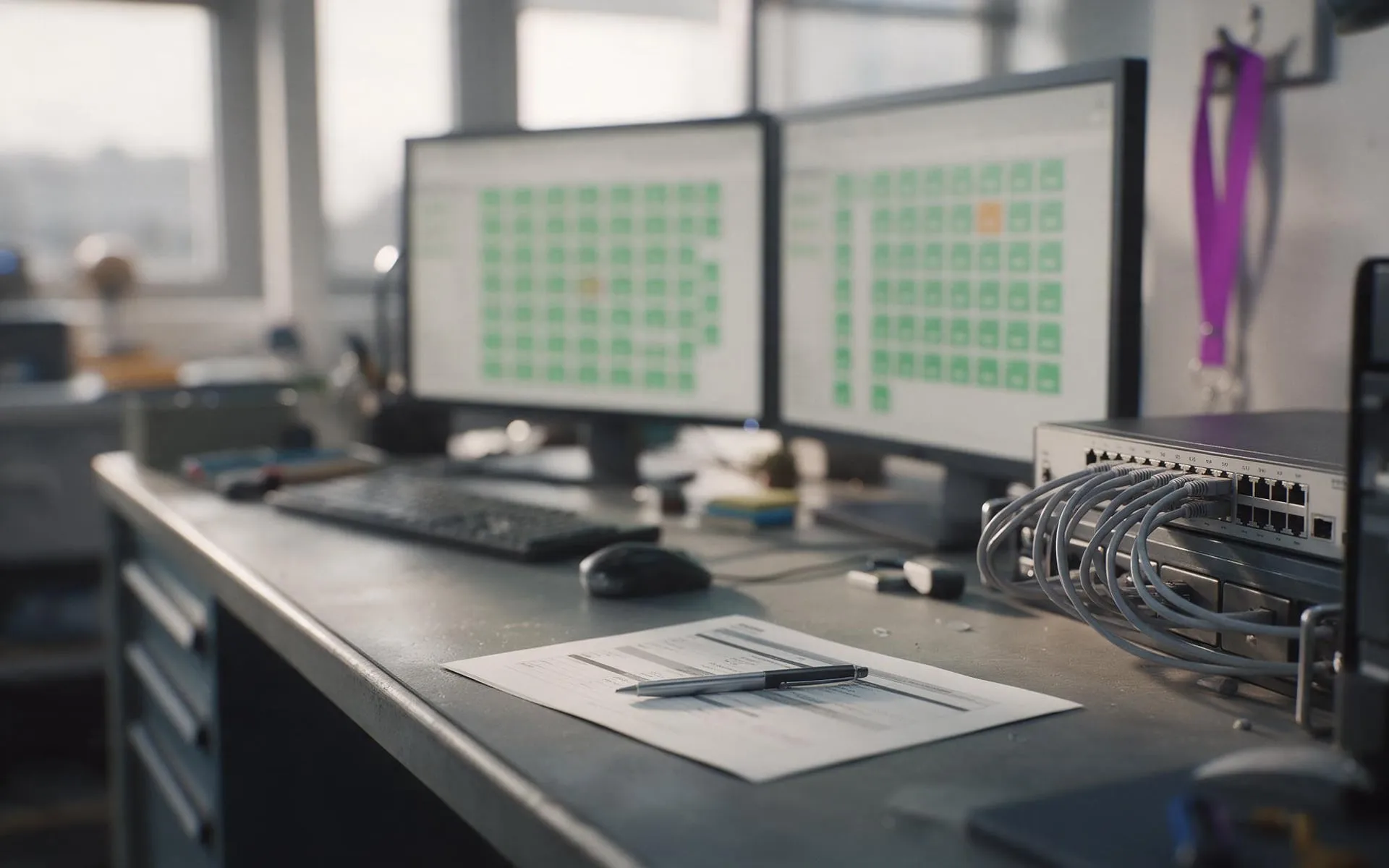 Monthly · monitored · patched
Managed IT services
Your whole IT setup looked after for a fixed monthly fee, before things break.
 1 to 50 staff · Auckland
Small business IT support
Enterprise-grade support scaled to a business with no IT department.
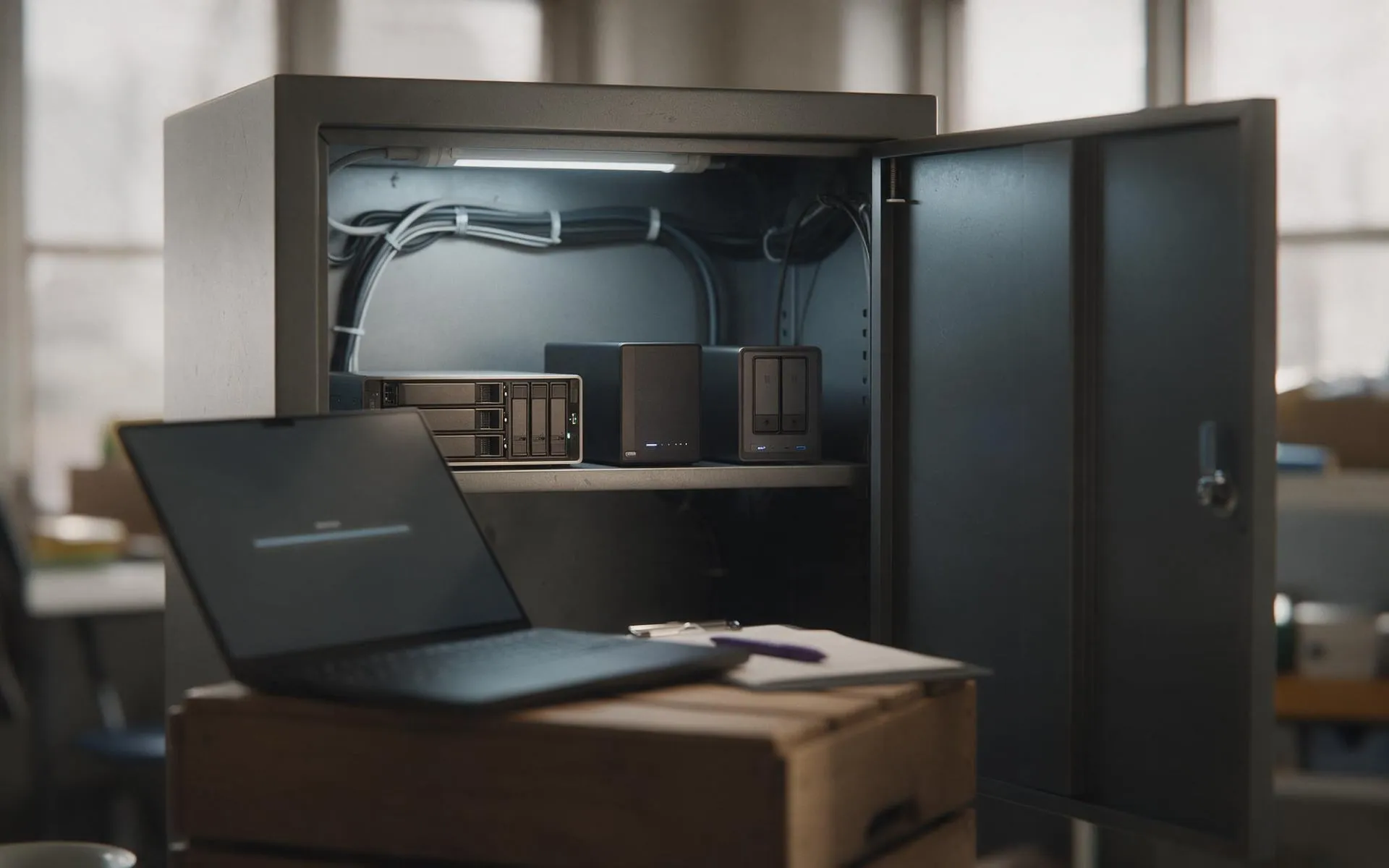 Tested, not assumed
Backup and disaster recovery
Image-based backups every 15 minutes, off-site copies, and a restore we actually test.
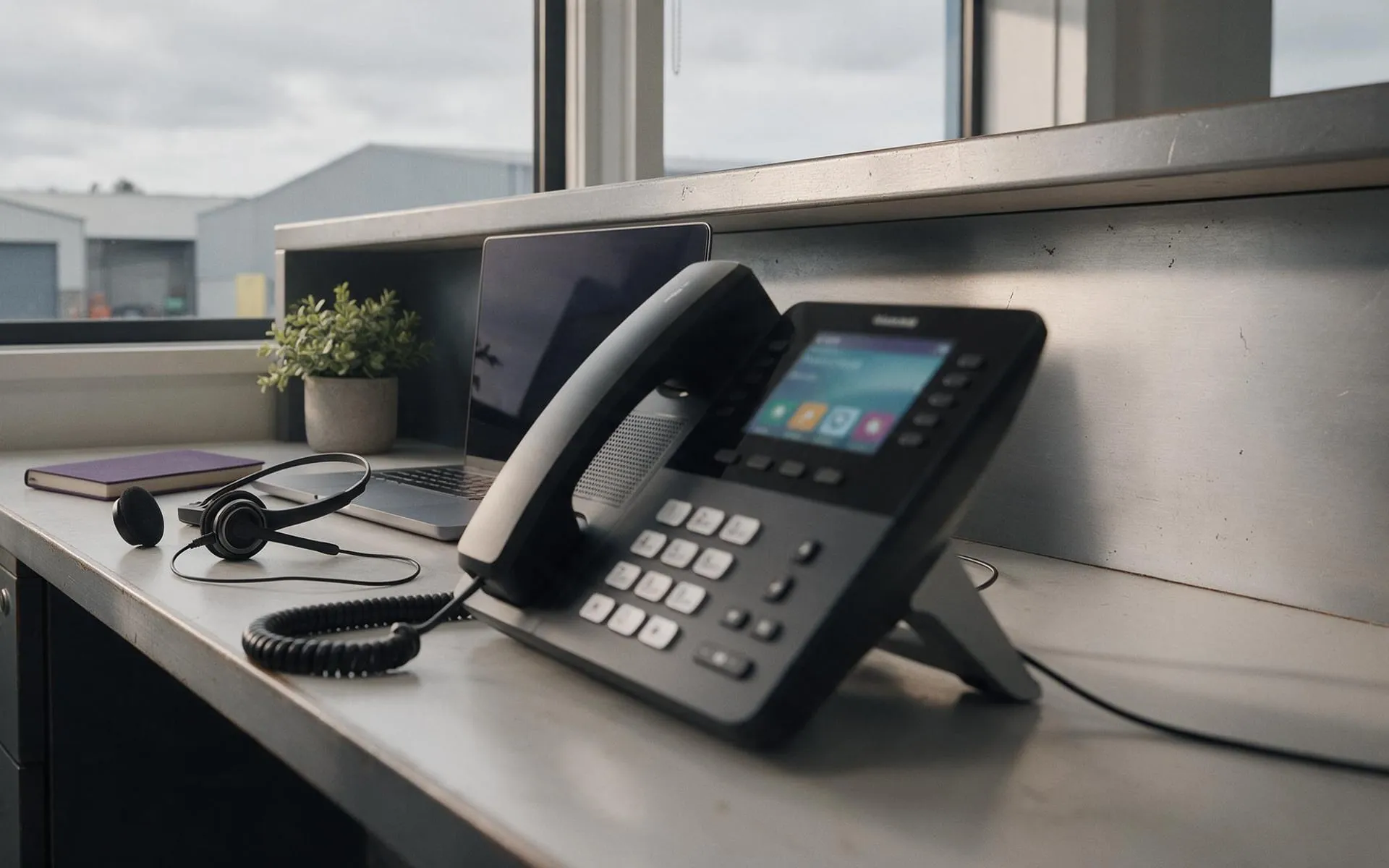 Hosted in NZ
VoIP phone systems
Business phones over your internet connection. Keep your numbers, drop the line rental.
 Migration · licensing · support
Microsoft 365
Email, files and Teams set up properly, licensed correctly and secured.
 On-site · Auckland-wide
Business computer repair
Slow PCs, dead laptops, failed drives, network drops. Fixed at your desk, not in a queue.