
Microsoft Teams, set up so people actually use it
Chat, meetings, files and optionally the phone system in one app on every device. The trick is a handful of teams that match the business, not forty nobody reads.
What Teams does for a small business
Microsoft Teams is the collaboration tool inside Microsoft 365: chat, meetings, calls and files, on the desktop, in a browser and on the phone. It replaced Lync and Skype for Business and it is included in the Business licences most Auckland companies already pay for.
Where it goes wrong is setup. Left to default, everyone creates a team for everything, files end up in twelve places and nobody knows which chat has the answer. We set up a small number of teams that mirror how the business is organised, connect the files to your SharePoint structure, and spend twenty minutes with staff at go-live.
Teams is part of every Microsoft 365 setup we do, and it is one of the two phone system options we install.
Is Microsoft Teams right for a small business?
If you have Microsoft 365 you already have it, so the question is whether to use it properly. For a business of five or more where people are not always in the same room, yes. For three people at adjacent desks, a shared mailbox is probably enough and we will say so.
We used Lync or Skype for Business. What happened to it?
Microsoft retired Lync, then Skype for Business Online, and Teams took over chat, meetings and calling. If you were on a Lync 2013 or Skype for Business setup, Teams is the direct replacement and it is included in your licence.
Can Teams replace our phone system?
Yes, with the Teams Phone add-on and a calling plan or an operator connect provider. Your business numbers port to it, and queues, auto attendants and voicemail all work. Whether it beats a hosted PBX depends on whether you have a front desk with handsets; our VoIP page covers both.
Does Teams work for hybrid and remote staff?
It is what it was built for. Chat, meetings, files and phone all follow the person to the home office or the site. Our remote work guide covers the rest of the setup.
Everything else we look after
Seven services, one set of technicians, delivered on-site across Auckland or remotely. Pick one or hand us the lot.
 Monthly · monitored · patched
Managed IT services
Your whole IT setup looked after for a fixed monthly fee, before things break.
 1 to 50 staff · Auckland
Small business IT support
Enterprise-grade support scaled to a business with no IT department.
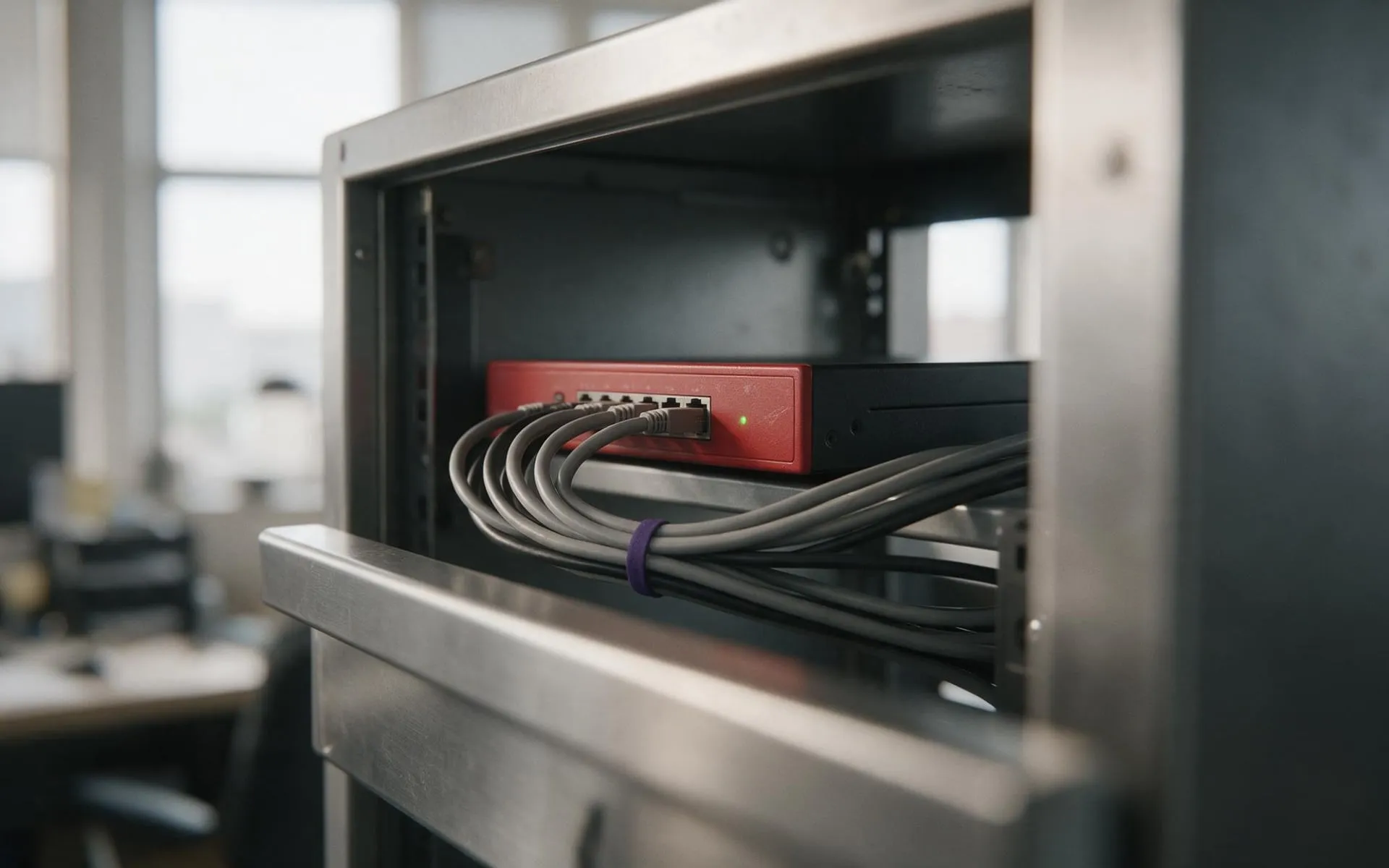 WatchGuard Gold Partner
Cybersecurity
Firewall, endpoint protection, email filtering and staff training that stops the phishing email landing.
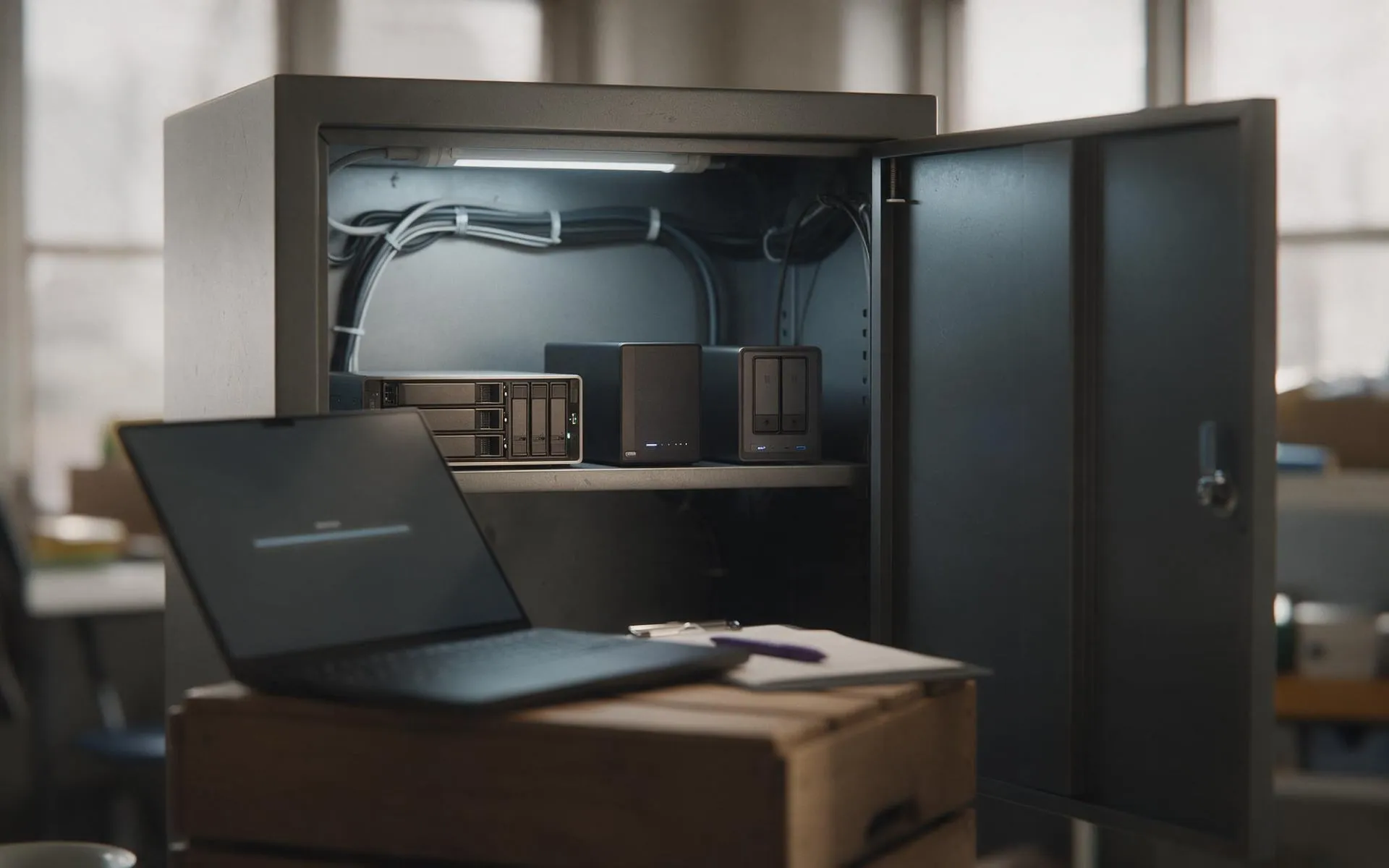 Tested, not assumed
Backup and disaster recovery
Image-based backups every 15 minutes, off-site copies, and a restore we actually test.
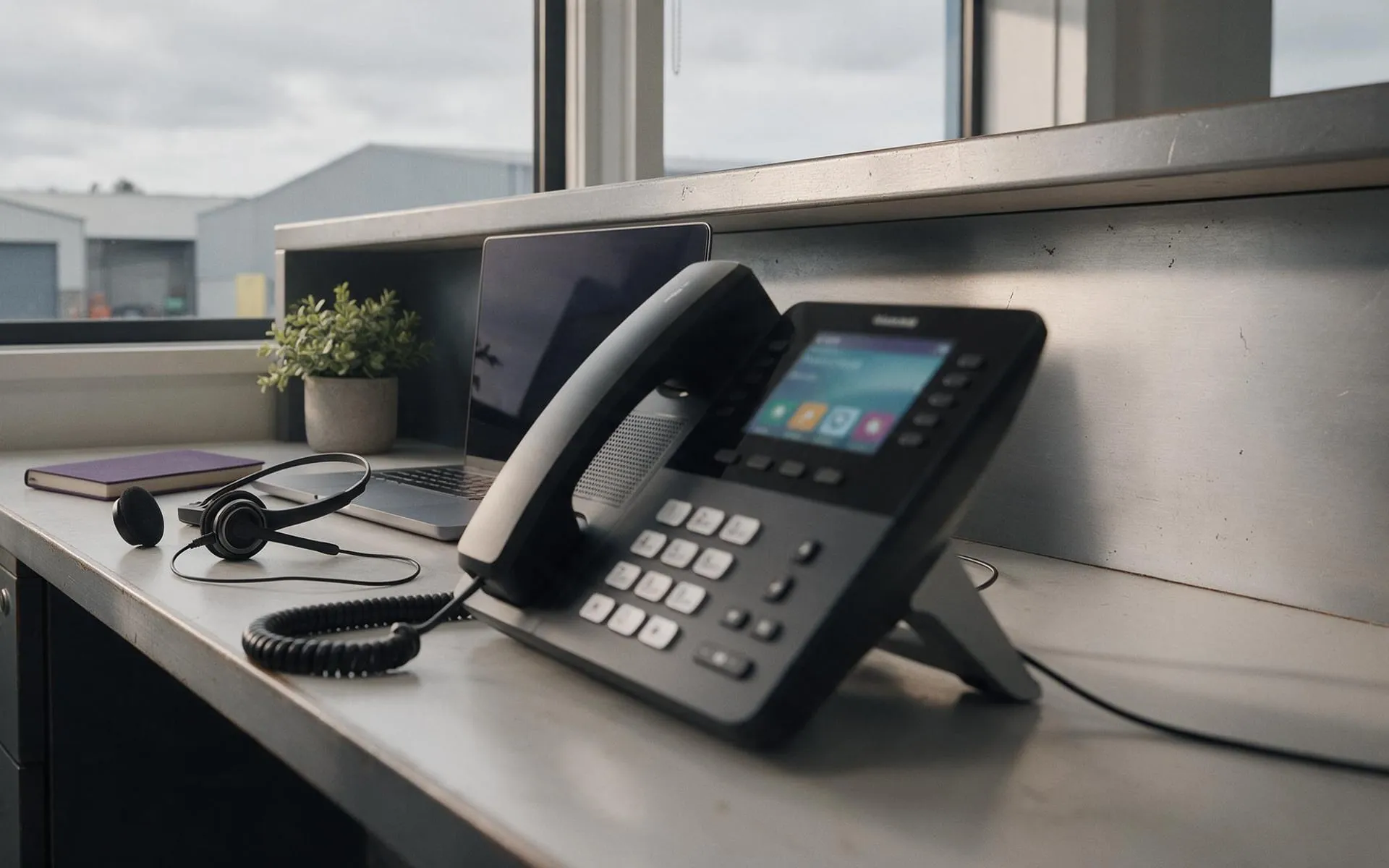 Hosted in NZ
VoIP phone systems
Business phones over your internet connection. Keep your numbers, drop the line rental.
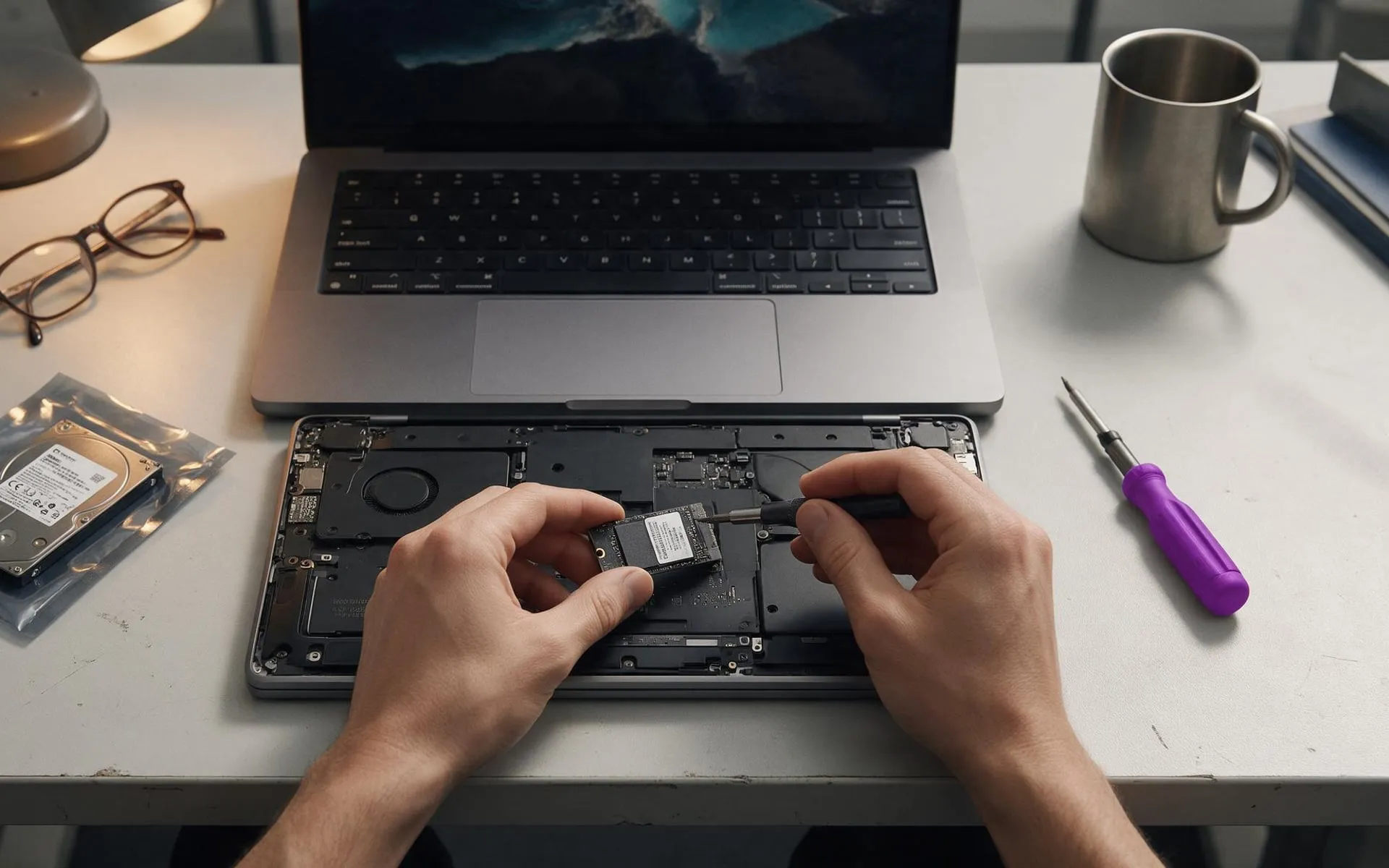 On-site · Auckland-wide
Business computer repair
Slow PCs, dead laptops, failed drives, network drops. Fixed at your desk, not in a queue.