
Business email on Exchange Online, migrated with nothing lost
The mail server, run by Microsoft, with a 99.9% SLA, 50 GB mailboxes and filtering in front. We move you from whatever you are on now and set the records so your mail is trusted.
Email that does the things a mailbox should
Microsoft Exchange has been the business mail standard for twenty years. Exchange Online is the same product with Microsoft doing the patching, the storage and the 3am restarts, for a monthly fee per person, inside Microsoft 365.
For a small business the practical difference from a POP or Xtra mailbox is enormous: mail, calendar and contacts in sync on every device, shared mailboxes, room booking, delegation, retention. The practical difference from an Exchange server in the cupboard is that the cupboard is empty and the security risk left with it.
Exchange Online is part of every Microsoft 365 setup we do. It pairs with Teams for meetings and OneDrive for files.
What is the difference between hosted Exchange and Exchange Online?
Hosted Exchange was a third-party company running Exchange servers for you; that is what many Auckland businesses were on before 2015. Exchange Online is Microsoft running it, inside Microsoft 365, and it is what everyone has moved to. If you are still on a hosted Exchange plan, moving is straightforward and usually cheaper.
We still have an Exchange server in the office. Should we move?
Almost certainly. Exchange 2013 and 2016 are out of support, 2019 ends in October 2025, and an on-premise Exchange server is the most attacked box in a small business network. Exchange Online removes the hardware, the patching and the risk. See Microsoft 365 vs on-premise.
Will we lose any email in the move?
No. We run a staged migration: mailboxes copy across in the background over several days, we verify item counts, then flip DNS at a quiet time. The old server stays live until we are sure.
Does Exchange Online include backup?
It includes availability and a recycle bin with a limited retention window. It does not include a backup you control. We add a separate Microsoft 365 backup as part of the backup service.
Everything else we look after
Seven services, one set of technicians, delivered on-site across Auckland or remotely. Pick one or hand us the lot.
 Monthly · monitored · patched
Managed IT services
Your whole IT setup looked after for a fixed monthly fee, before things break.
 1 to 50 staff · Auckland
Small business IT support
Enterprise-grade support scaled to a business with no IT department.
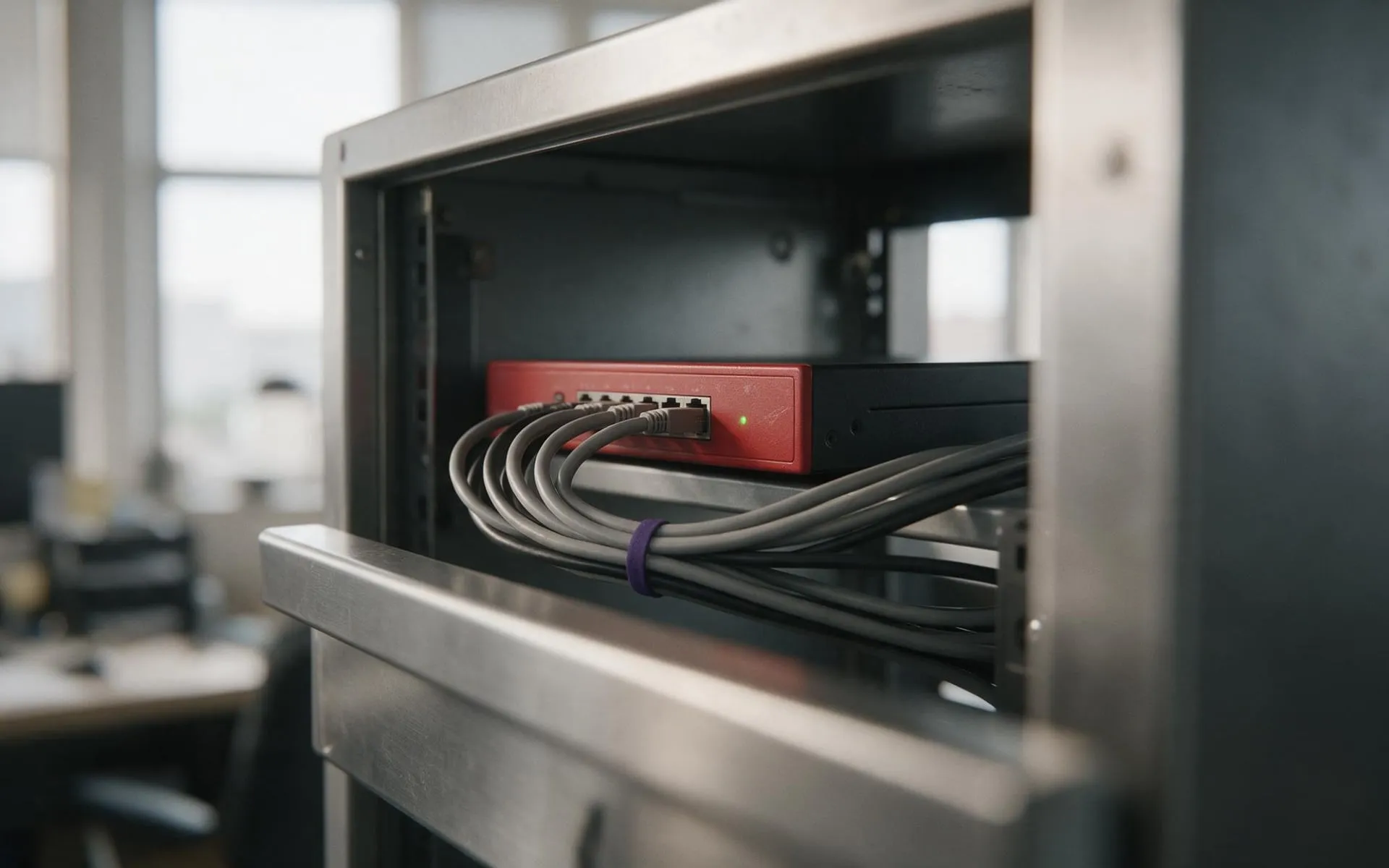 WatchGuard Gold Partner
Cybersecurity
Firewall, endpoint protection, email filtering and staff training that stops the phishing email landing.
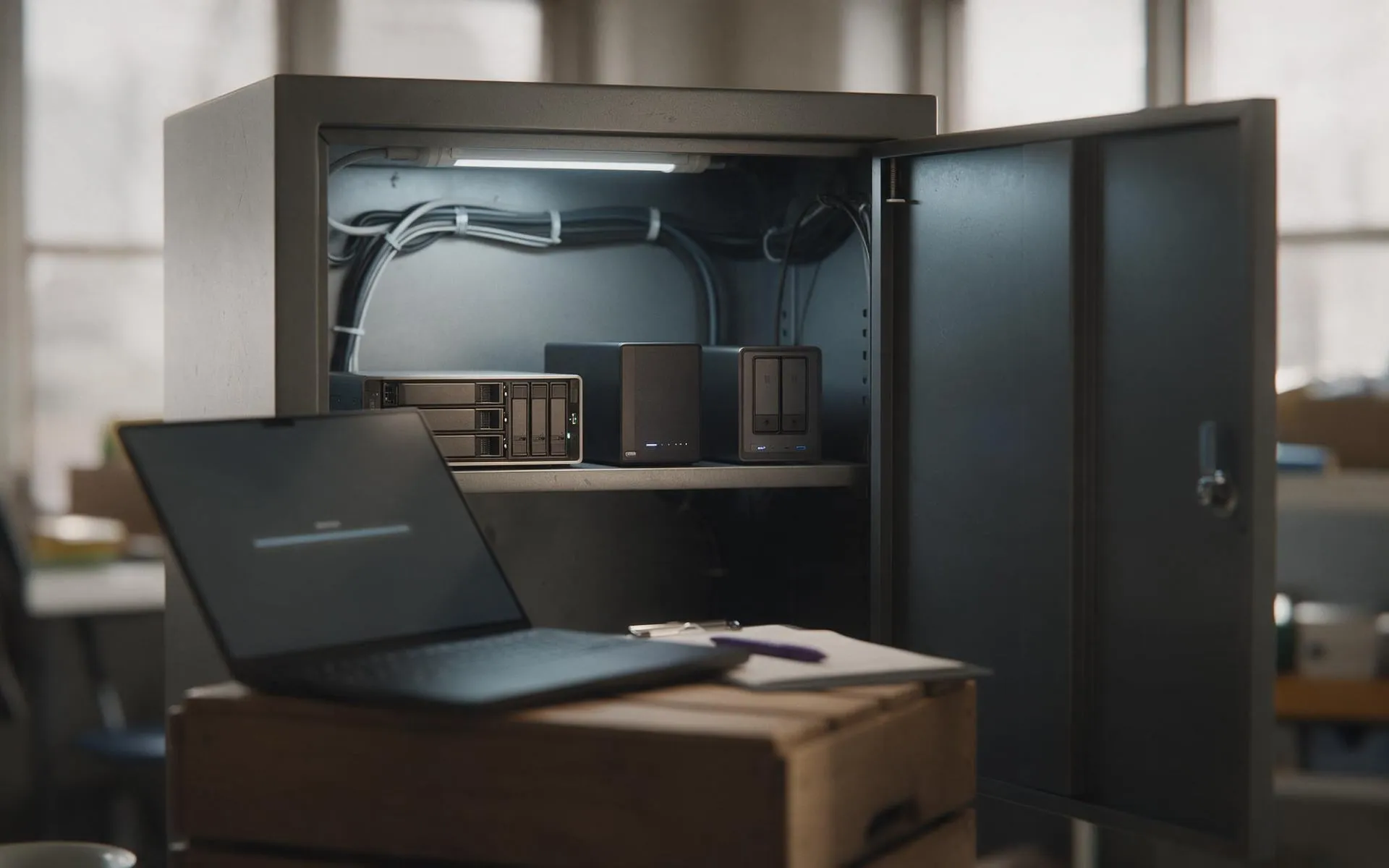 Tested, not assumed
Backup and disaster recovery
Image-based backups every 15 minutes, off-site copies, and a restore we actually test.
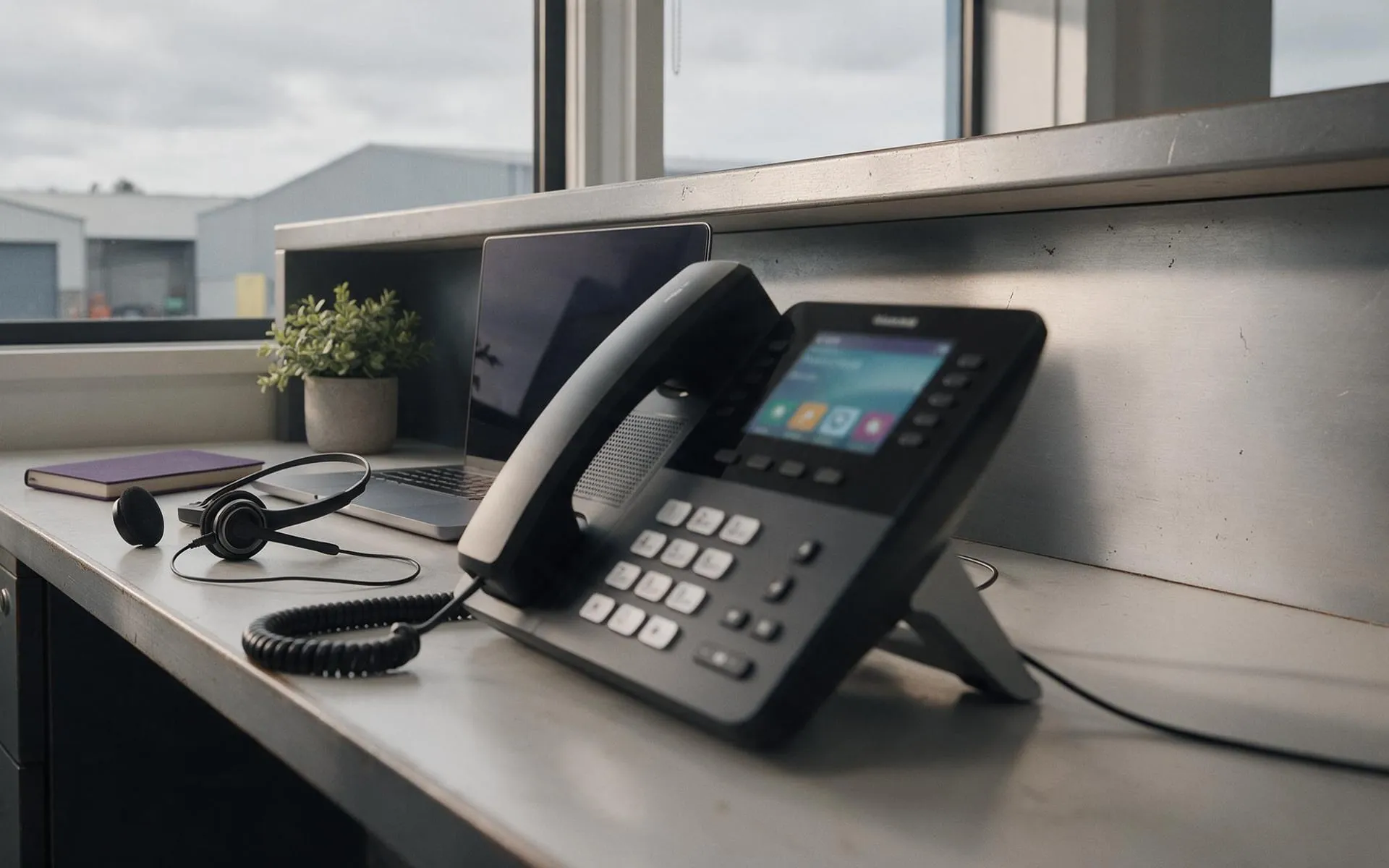 Hosted in NZ
VoIP phone systems
Business phones over your internet connection. Keep your numbers, drop the line rental.
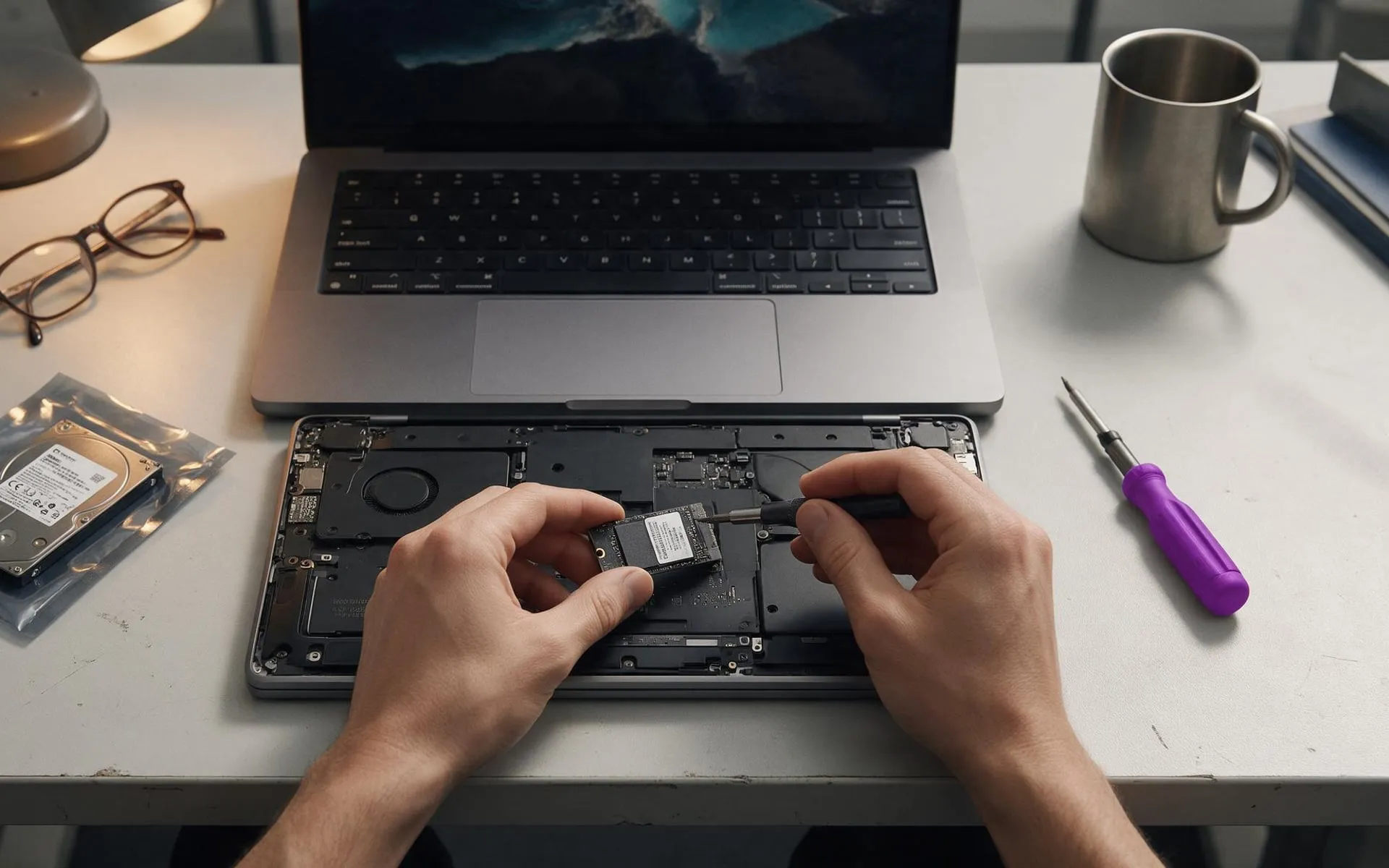 On-site · Auckland-wide
Business computer repair
Slow PCs, dead laptops, failed drives, network drops. Fixed at your desk, not in a queue.