
Backups we test, so you never find out the hard way
34% of companies never test their backups, and of those that do, most find a failure. We snapshot every 15 minutes, copy it off-site, and restore it every quarter to prove it works.
Snapshot, copy, test. Every day, every quarter.
How long would it take to recover your server after a disaster? Hours, days, ever? When did someone last test the backup? Most business owners cannot answer either question, and most find out the answer at the worst possible time.
We install image-based backup that snapshots the whole machine as often as every 15 minutes, replicates it to a New Zealand data centre, and can boot the image as a virtual server while the hardware is replaced. Then we check the logs every morning and restore something every quarter. The list on the right is standard, not premium.
Background: what we install and why, and why the backup is the control that makes ransomware survivable.
- 70%
- of small businesses that lose their data shut down within 12 months
- 31%
- of PC users have lost all their files to events beyond their control
- 34%
- of companies never test their backups
- 77%
- of those that do test find tape or media failures
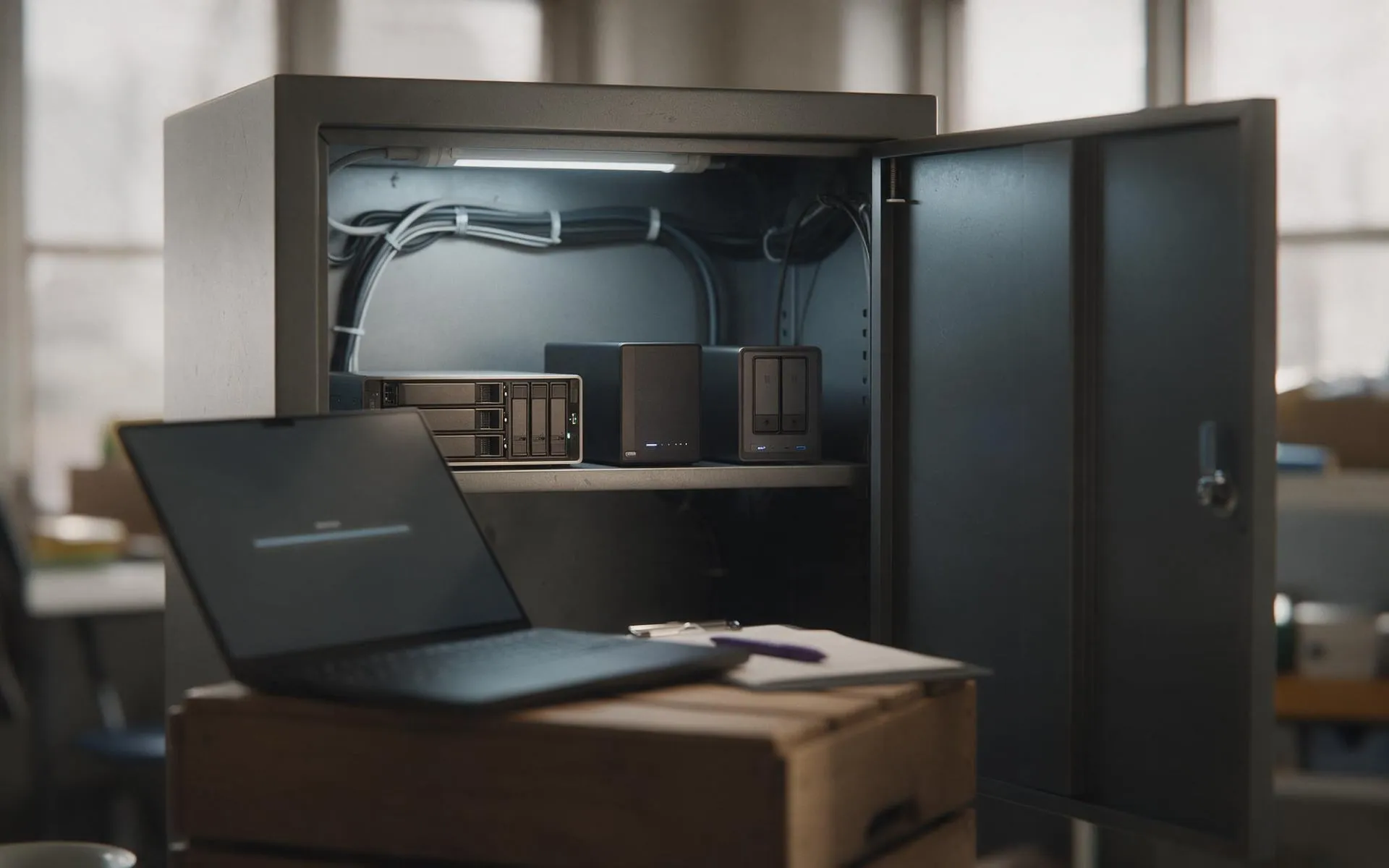
How a backup gets set up properly
The same sequence every time, whether it is a dead laptop or a full server replacement.
How much does business backup cost in NZ?
Per server or per user per month, including the off-site storage and the monitoring. For a one-server, 10-person office it is less than the cost of one hour of everyone standing around. We quote a firm figure after seeing what you have.
We are on Microsoft 365. Is that not already backed up?
No. Microsoft guarantees the service is up, not that your data is recoverable. Deleted items are kept for a limited window (30 to 93 days depending on the item) and then gone. A separate Microsoft 365 backup keeps mailboxes, OneDrive, SharePoint and Teams for as long as you choose, and restores in minutes.
We have an external hard drive someone takes home. Is that enough?
It is better than nothing and worse than you think. It depends on someone remembering, it is usually plugged in when ransomware hits, and it has probably never been tested. The true cost of data loss post works through what happens next.
How fast can you get us running again after a server dies?
With image-based backup and a local appliance, the server can be running as a virtual machine within the hour while replacement hardware is ordered. Without it, rebuilding a server from scratch and reinstalling software is typically two to five days.
Do you do data recovery from a dead drive?
Yes, for drives with logical damage we recover in-house. For physically failed drives we use a clean-room lab partner and handle the process. Either way, call before you keep trying things; each power-on can make it worse.
Everything else we look after
Seven services, one set of technicians, delivered on-site across Auckland or remotely. Pick one or hand us the lot.
 Monthly · monitored · patched
Managed IT services
Your whole IT setup looked after for a fixed monthly fee, before things break.
 1 to 50 staff · Auckland
Small business IT support
Enterprise-grade support scaled to a business with no IT department.
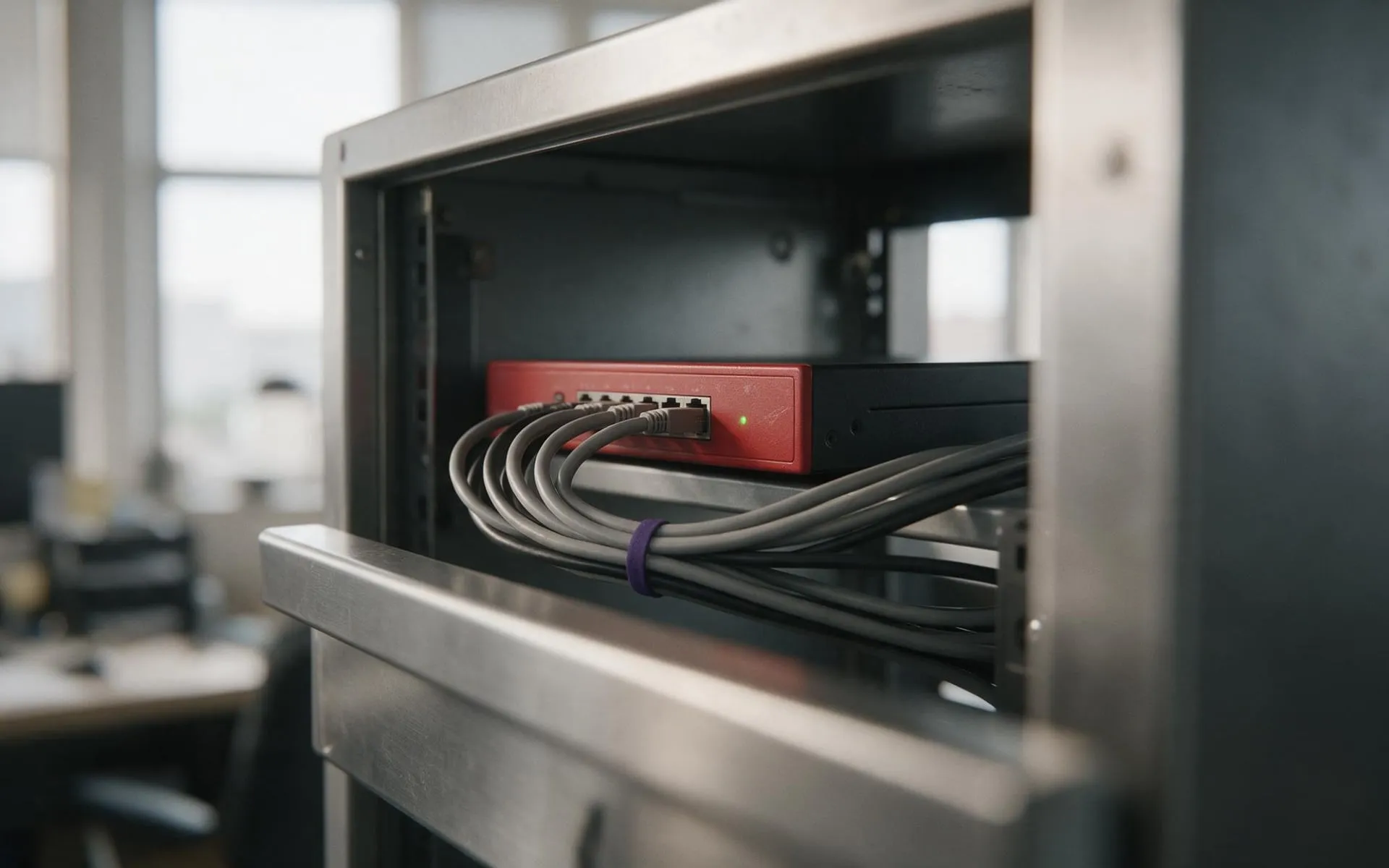 WatchGuard Gold Partner
Cybersecurity
Firewall, endpoint protection, email filtering and staff training that stops the phishing email landing.
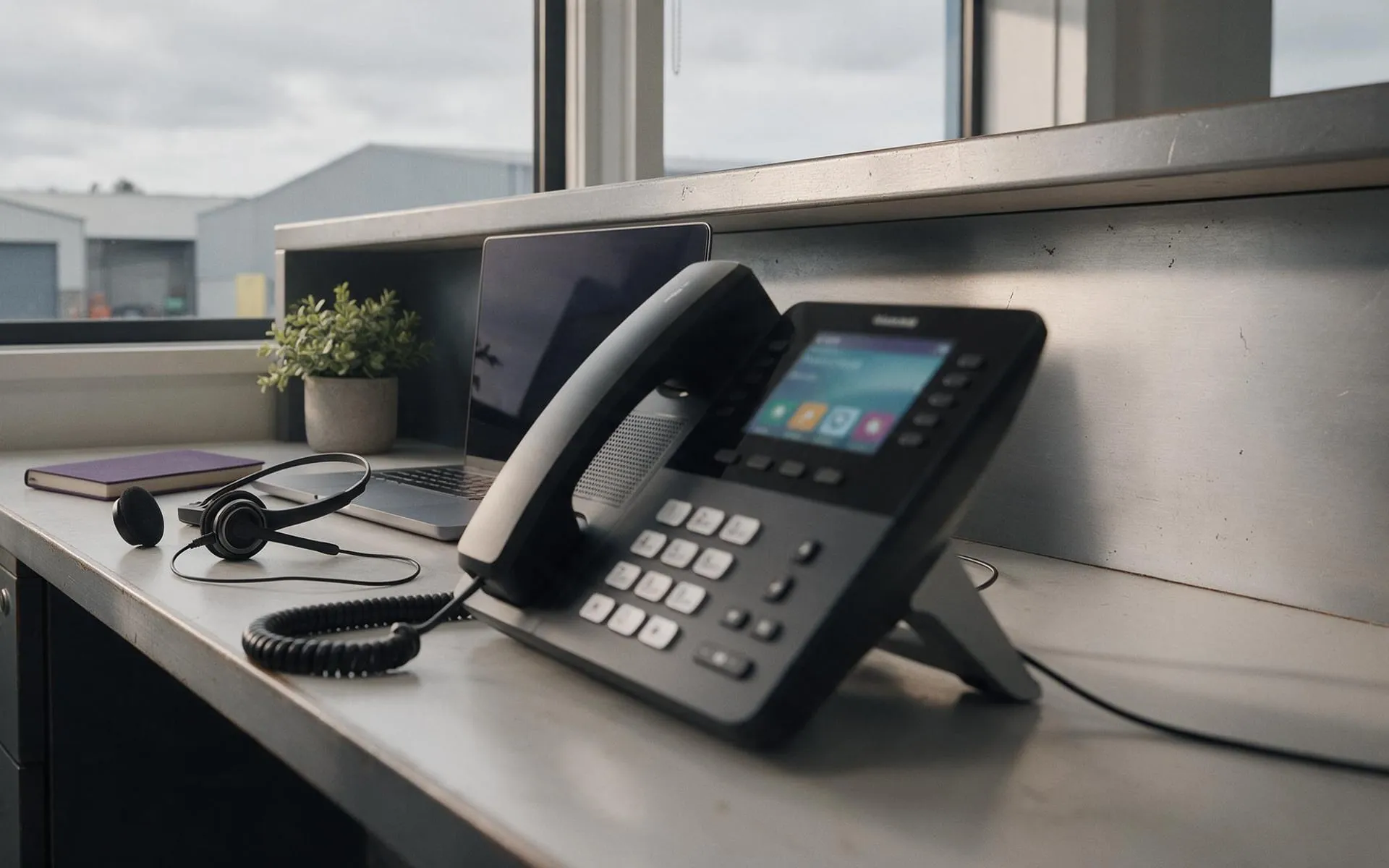 Hosted in NZ
VoIP phone systems
Business phones over your internet connection. Keep your numbers, drop the line rental.
 Migration · licensing · support
Microsoft 365
Email, files and Teams set up properly, licensed correctly and secured.
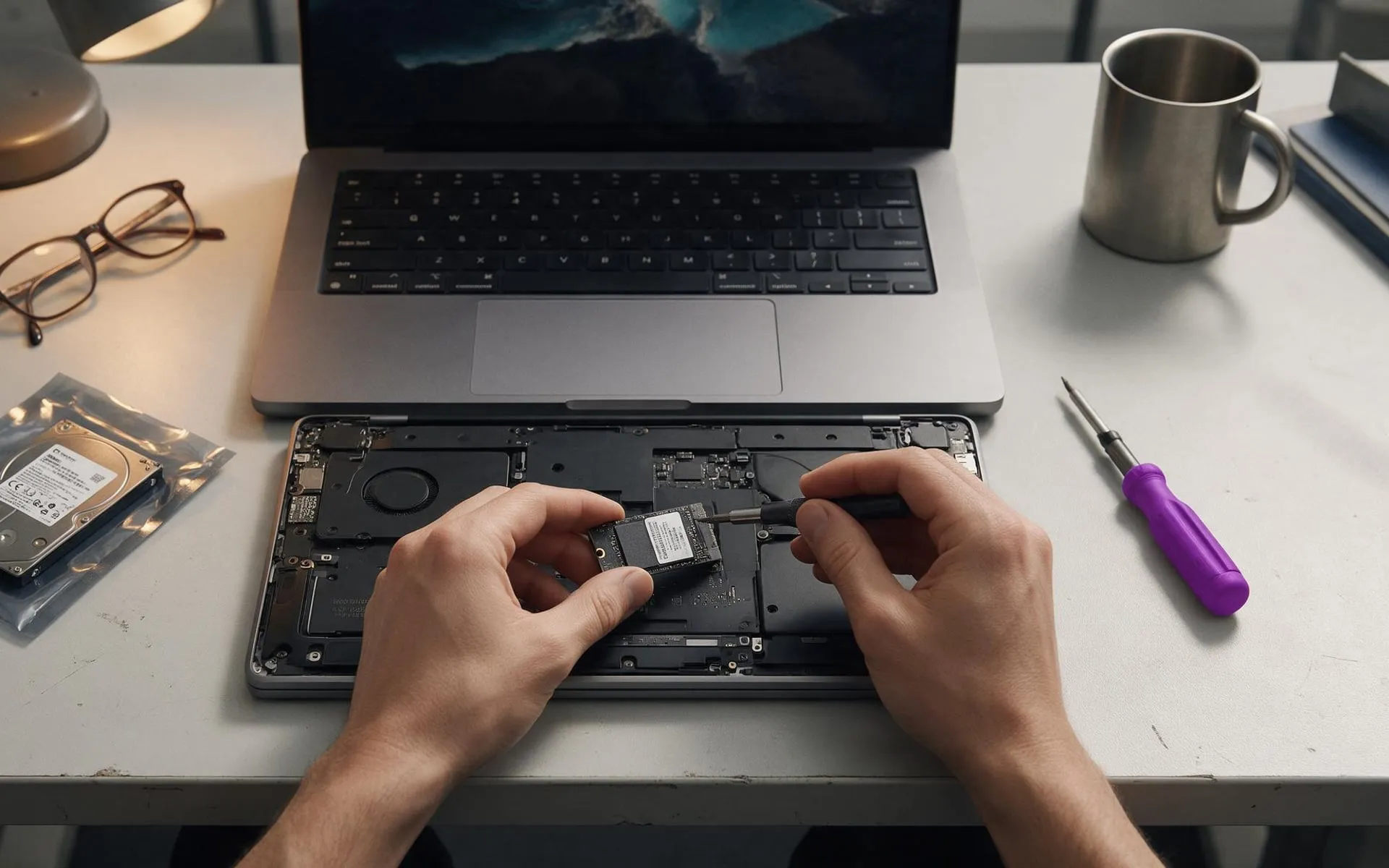 On-site · Auckland-wide
Business computer repair
Slow PCs, dead laptops, failed drives, network drops. Fixed at your desk, not in a queue.