
Computer repair at your desk, not in a queue
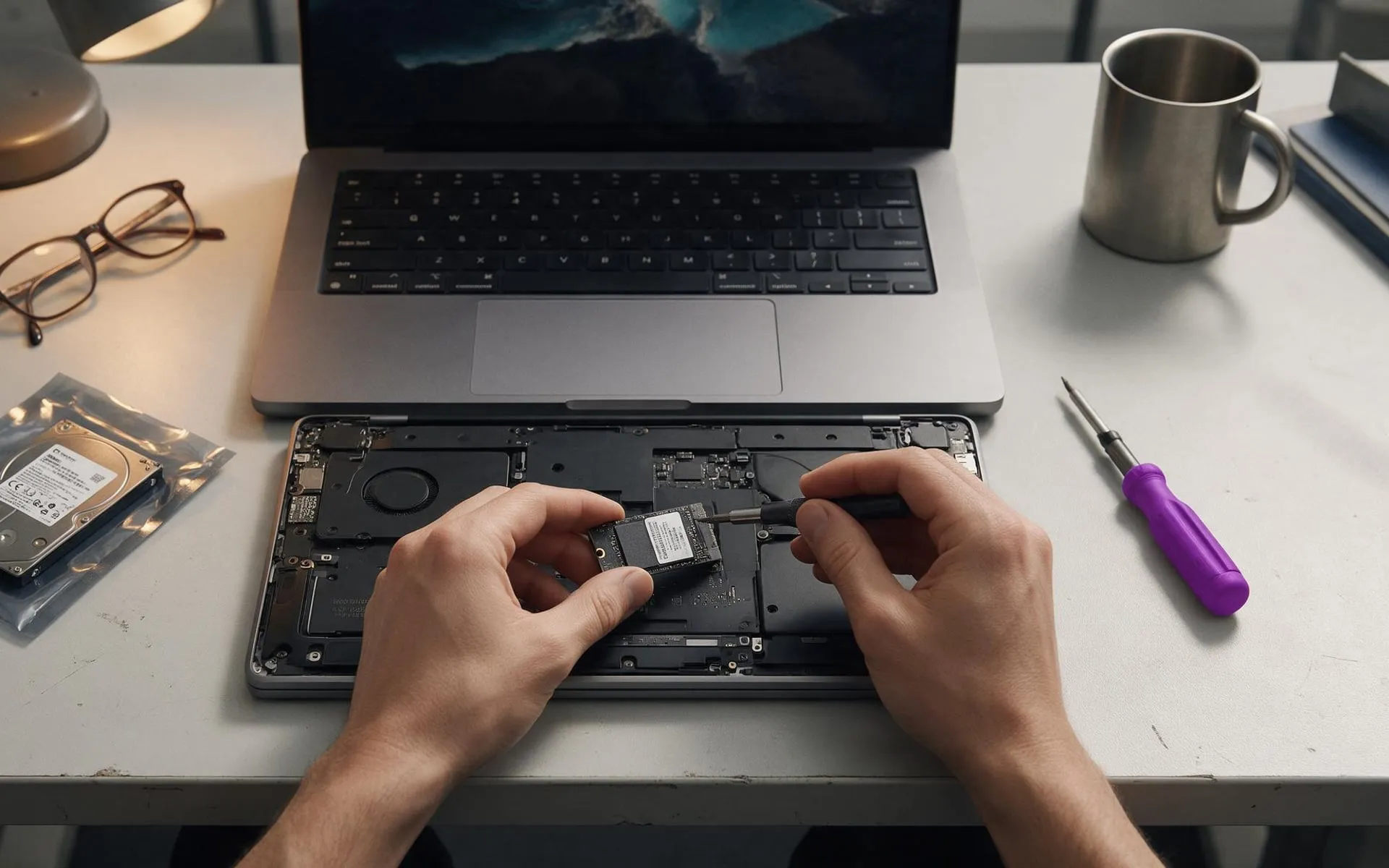
Slow PCs, dead laptops, failed drives, network drops. A technician comes to you anywhere in Auckland, diagnoses in 15 minutes, and tells you straight whether it is worth fixing.
The eight jobs that fill the van
Wizard IT started as a mobile computer support network: technicians in vans fixing and maintaining PCs across Auckland. Twenty years on it is still what a lot of the day looks like, in between the servers and the migrations.
The difference from a repair shop is the where and the who. We come to your office, the same technician who set up your email is the one looking at your laptop, and the fix comes with a sentence about what caused it. If a repair beats a replacement, that is what we will tell you. If it does not, we will say that too.
Repairs are billed the same as everything else: time used, no callout, no minimum. Businesses that want the faults caught before they happen move to managed IT.
Three things worth doing first
- 01If a drive is clicking or the machine has been dropped, stop turning it on.Every power cycle on a failing drive lowers the odds of recovery.
- 02If you clicked something and things look wrong, pull the network cable.Turn off Wi-Fi. Do not shut down. Then call.
- 03Note what changed.An update, a new program, a power cut. It halves the diagnosis time.
How a repair goes
The same sequence every time, whether it is a dead laptop or a full server replacement.
How much does computer repair cost in Auckland?
We bill time in 15 minute blocks with no callout fee and no minimum, so a 30 minute fix costs 30 minutes. Parts are quoted before we order them. A typical SSD upgrade including the drive, cloning and fitting is a one to two hour job.
Is a seven year old computer worth fixing?
Usually not, unless the fix is trivial. Windows 10 support has ended, parts are dearer and the next fault is close behind. We will say so on-site and move your data to a new machine instead of charging you to patch the old one.
Do you come to us or do we bring it in?
We come to you, anywhere in Auckland, with no travel charge. We are based in Avondale. If a machine needs bench time we take it, work on it, and bring it back. Nothing sits in a queue behind a shop counter.
Do you repair Macs?
Yes: software, storage upgrades where the model allows, data recovery, and getting a Mac working properly with Microsoft 365 and the office network. Screen and board-level repairs go to an authorised service provider we work with.
Do you fix home computers?
For business owners and their staff, yes. The laptop at home is part of the business network now and we treat it that way. We are not a walk-in consumer repair shop.
Everything else we look after
Seven services, one set of technicians, delivered on-site across Auckland or remotely. Pick one or hand us the lot.
 Monthly · monitored · patched
Managed IT services
Your whole IT setup looked after for a fixed monthly fee, before things break.
 1 to 50 staff · Auckland
Small business IT support
Enterprise-grade support scaled to a business with no IT department.
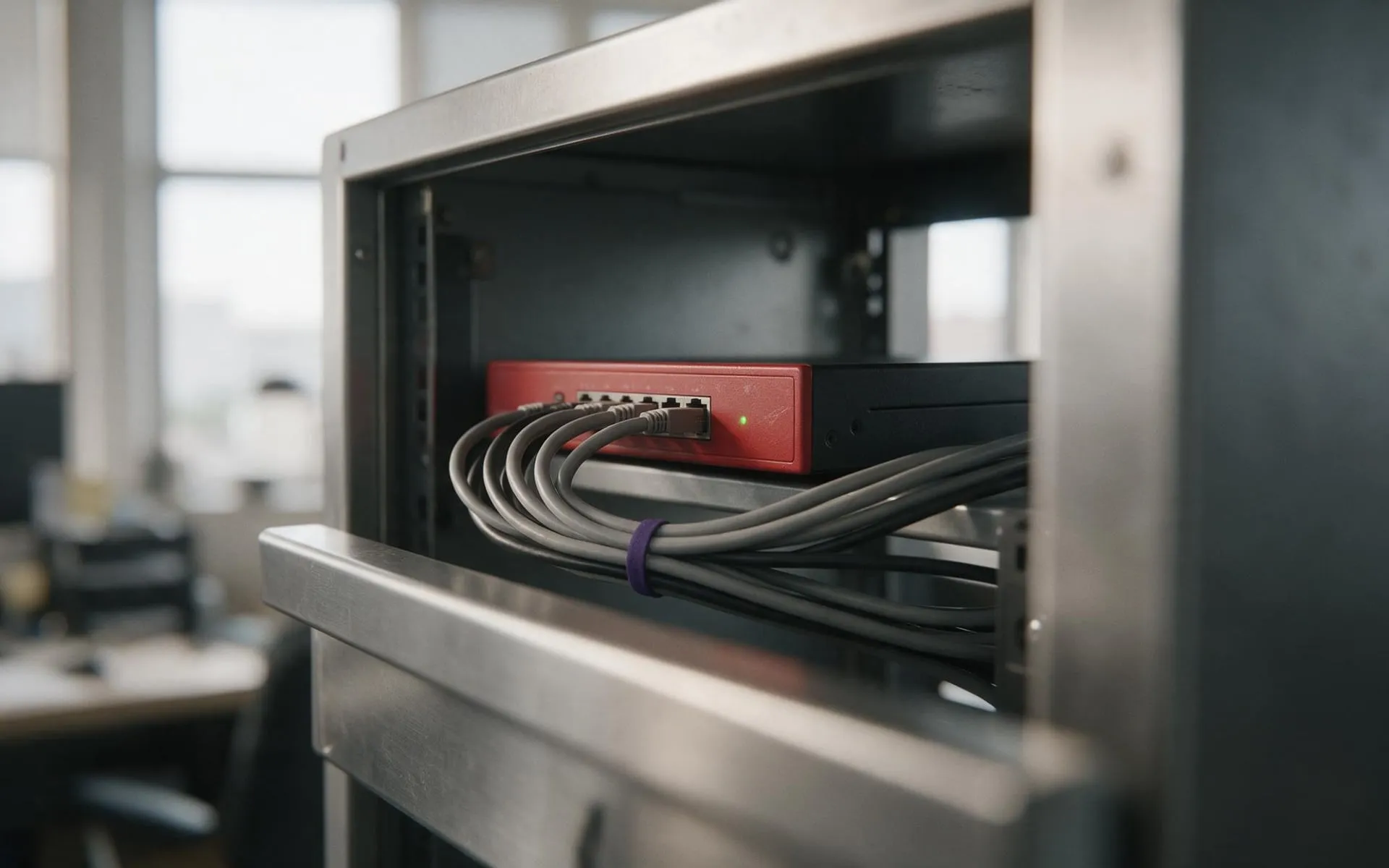 WatchGuard Gold Partner
Cybersecurity
Firewall, endpoint protection, email filtering and staff training that stops the phishing email landing.
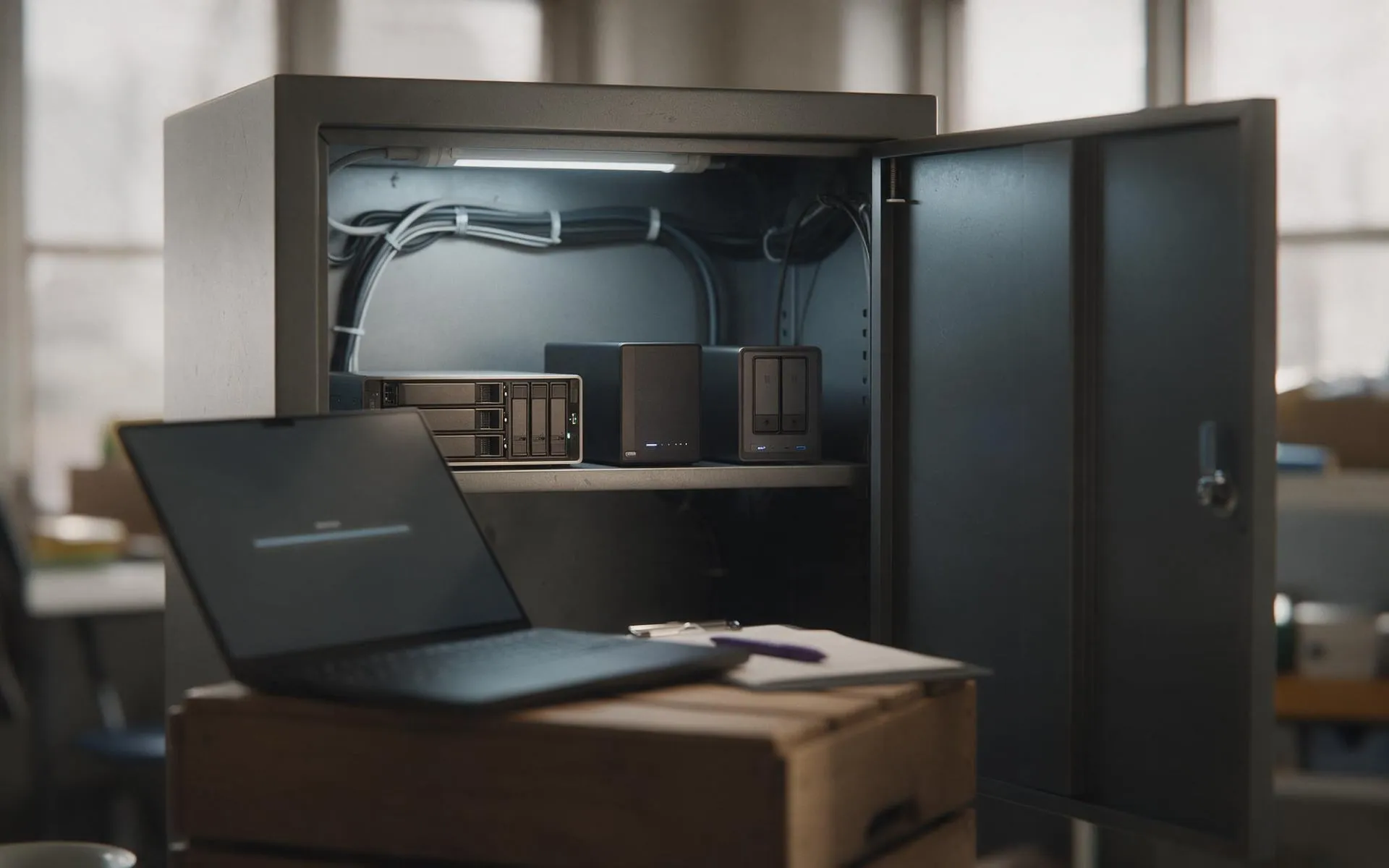 Tested, not assumed
Backup and disaster recovery
Image-based backups every 15 minutes, off-site copies, and a restore we actually test.
 Hosted in NZ
VoIP phone systems
Business phones over your internet connection. Keep your numbers, drop the line rental.
 Migration · licensing · support
Microsoft 365
Email, files and Teams set up properly, licensed correctly and secured.