
OneDrive for Business: every staff member's files, backed up and everywhere
1 TB per person, included in Microsoft 365. Set up properly it means a dead laptop is an inconvenience, not a disaster, and email attachments become the exception.
What OneDrive for Business does when it is configured
OneDrive for Business is the cloud storage that comes with Microsoft 365, designed for organisations and included on nearly every subscription. It gives each person 1 TB, syncs their files across devices, and lets them share a link instead of an attachment.
The part most setups miss is Known Folder Move: redirecting Desktop and Documents into OneDrive on every PC. Once that is on, no file lives only on one machine, and replacing a laptop is a 20 minute job. We turn it on for every user, set the sharing and device controls that suit the business, and connect it to your SharePoint and Teams.
OneDrive is part of every Microsoft 365 setup we do for Auckland businesses.
What is the difference between OneDrive and SharePoint?
OneDrive is each person's own files: their Desktop, Documents, drafts. SharePoint is the company's shared files: the S: drive. Both sync through the same OneDrive app, so in File Explorer the difference is just which folder you are in. Personal in OneDrive, shared in SharePoint.
Is OneDrive for Business a backup?
It protects against a lost or dead device, accidental deletion for 93 days and ransomware on a synced folder. It does not protect against an admin deleting an account, retention expiring or a compromised login wiping files. For that we add a separate Microsoft 365 backup as part of backup and disaster recovery.
How much storage does OneDrive for Business include in NZ?
1 TB per licensed user on Business Basic, Standard and Premium. Enterprise plans can go higher. Almost no small business user gets near it.
Does OneDrive work on Mac and iPhone?
Yes. The Mac client supports Files On-Demand and Known Folder Move. The iOS and Android apps have full access, offline files, camera upload and document scanning.
Everything else we look after
Seven services, one set of technicians, delivered on-site across Auckland or remotely. Pick one or hand us the lot.
 Monthly · monitored · patched
Managed IT services
Your whole IT setup looked after for a fixed monthly fee, before things break.
 1 to 50 staff · Auckland
Small business IT support
Enterprise-grade support scaled to a business with no IT department.
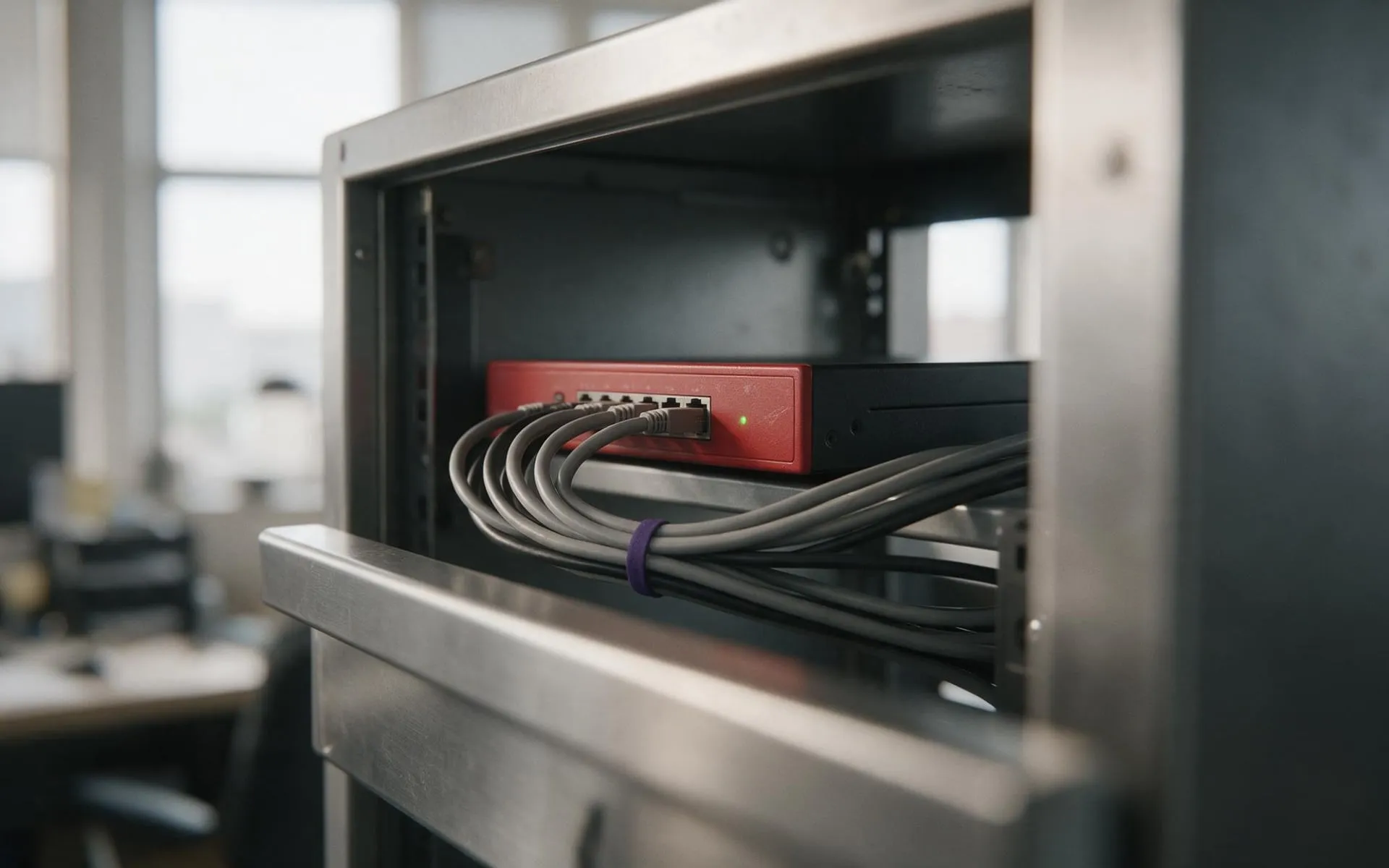 WatchGuard Gold Partner
Cybersecurity
Firewall, endpoint protection, email filtering and staff training that stops the phishing email landing.
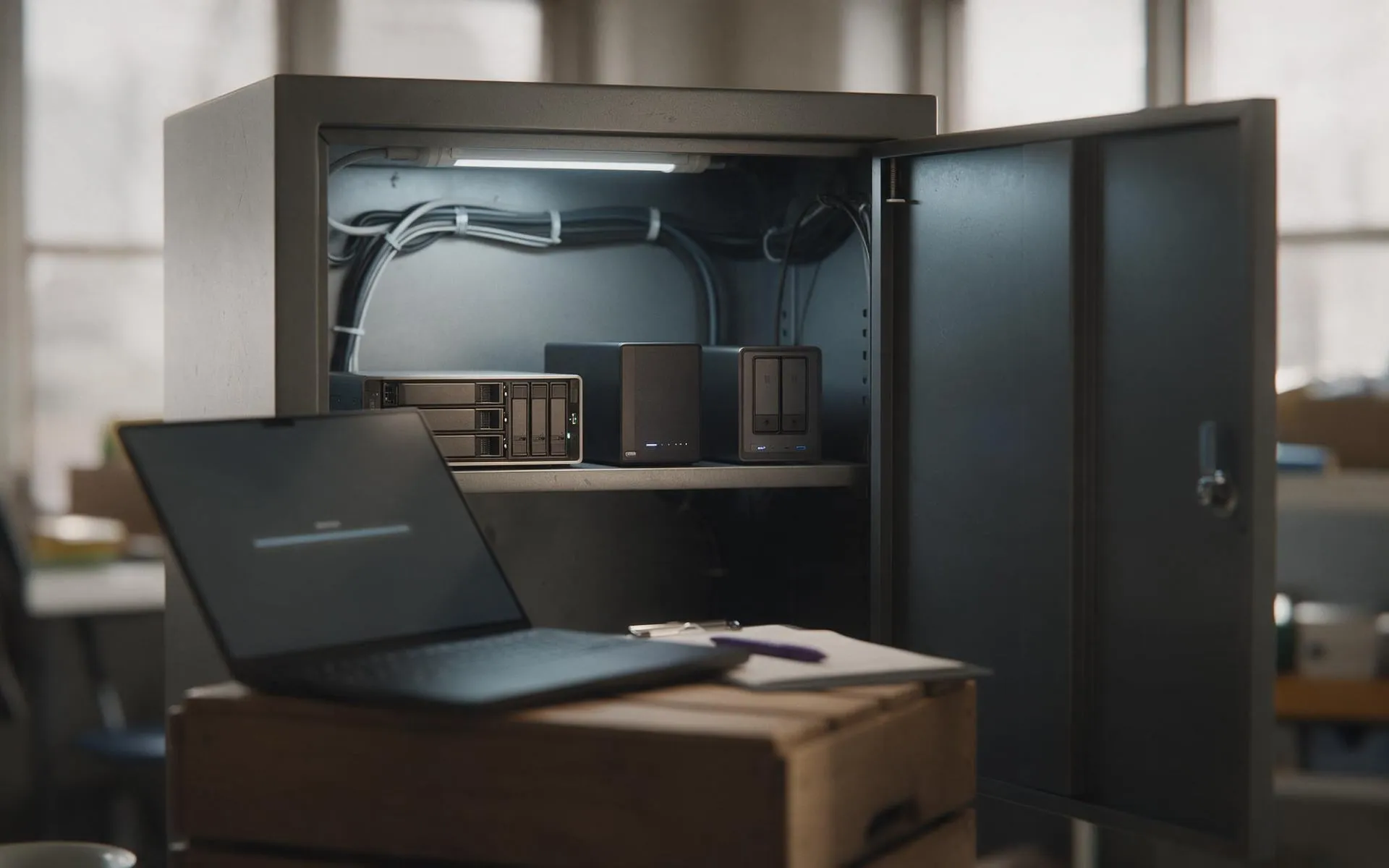 Tested, not assumed
Backup and disaster recovery
Image-based backups every 15 minutes, off-site copies, and a restore we actually test.
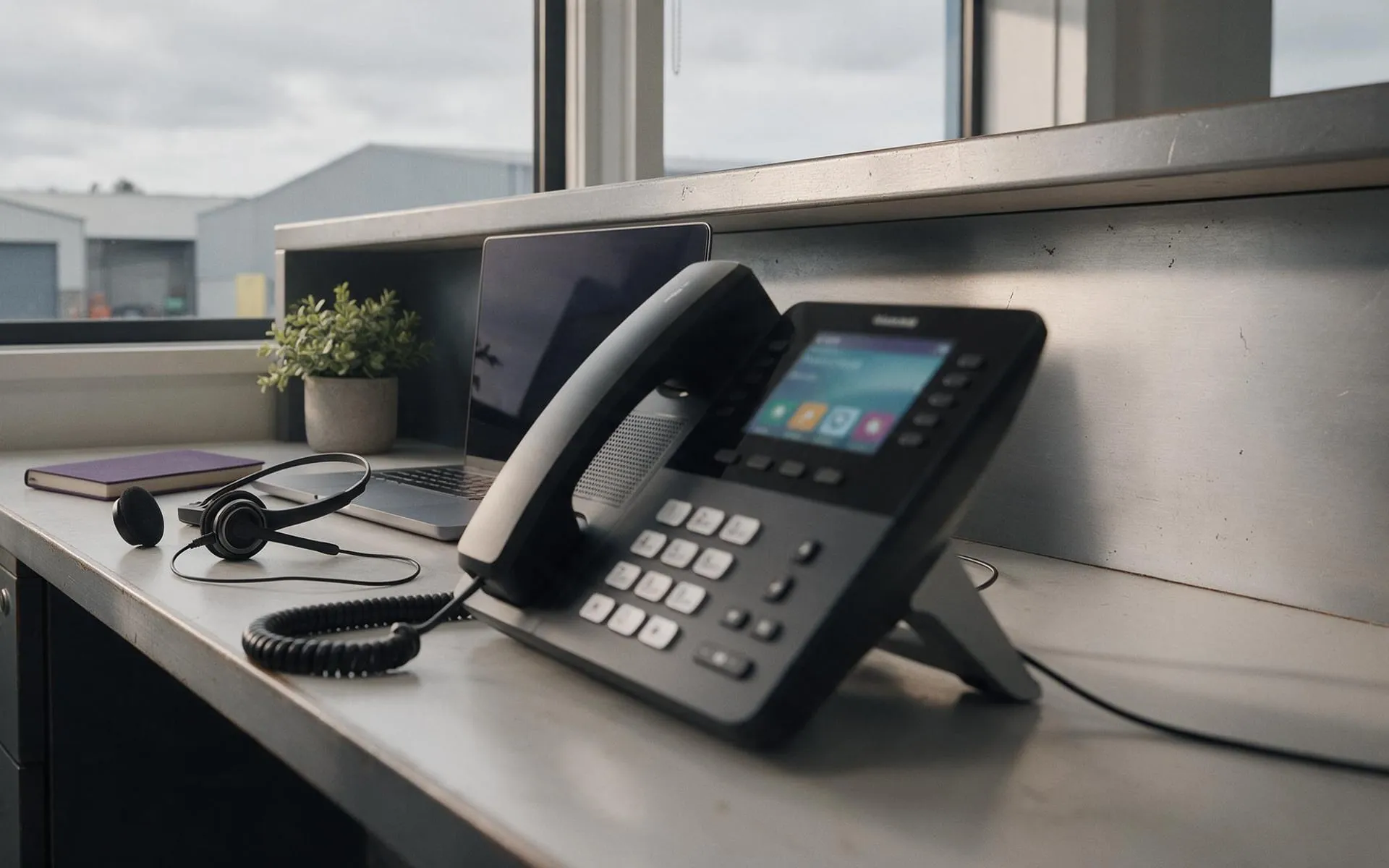 Hosted in NZ
VoIP phone systems
Business phones over your internet connection. Keep your numbers, drop the line rental.
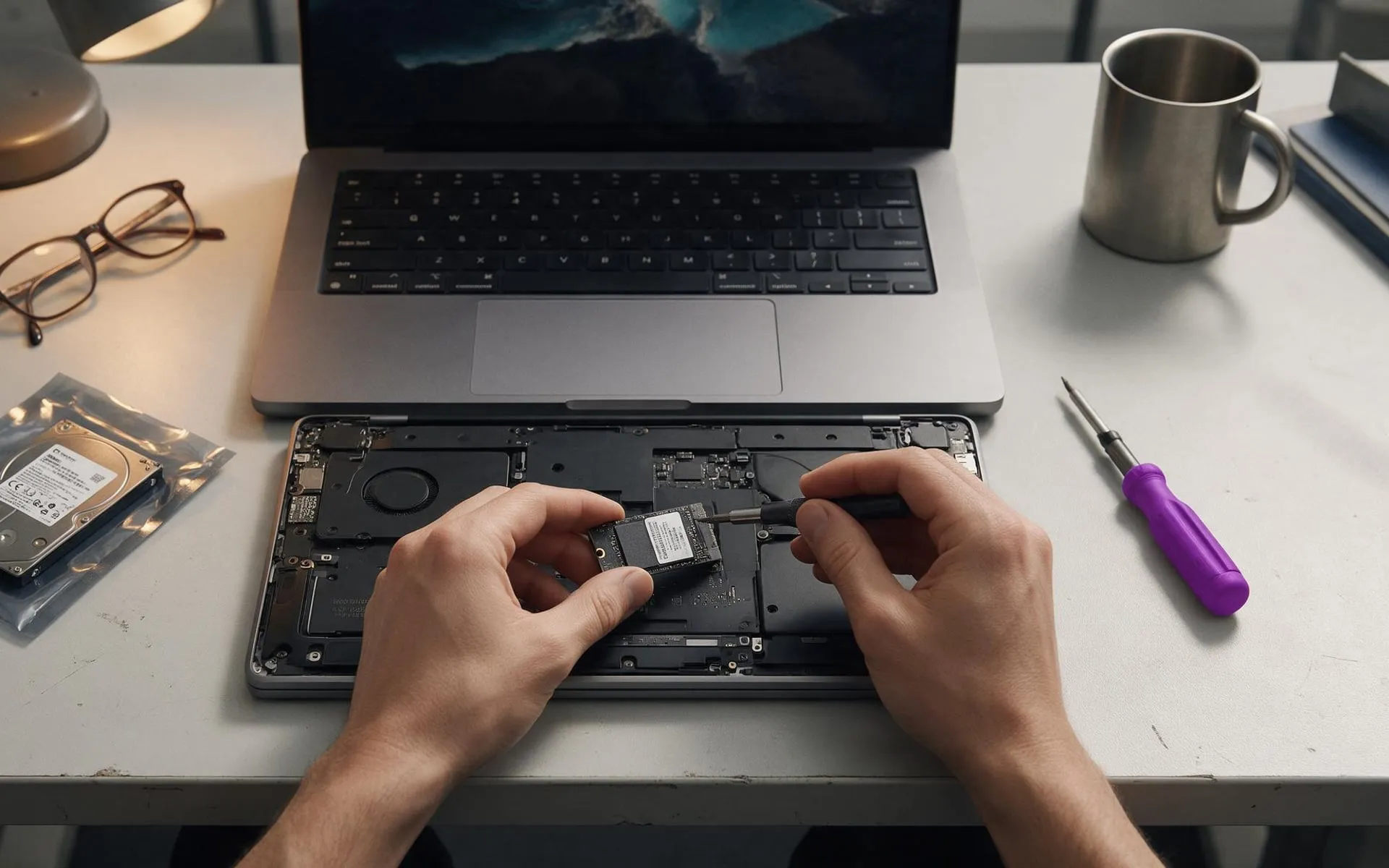 On-site · Auckland-wide
Business computer repair
Slow PCs, dead laptops, failed drives, network drops. Fixed at your desk, not in a queue.