
Managed IT services for Auckland businesses
Your whole IT setup looked after before it breaks: monitored, patched, backed up and documented, for a fixed monthly fee you can leave with 30 days notice.
Nine things, every month, in writing
A managed services provider takes on-going responsibility for keeping your systems running. In practice that means someone is watching the server at 3am, someone reads the backup log before you have had coffee, and Windows updates happen on a Tuesday night rather than during a client meeting.
We have run this for Auckland businesses for years, mostly 5 to 50 staff, mostly with no IT person of their own. The technicians each came from large enterprise environments and brought the discipline with them. The list on the right is what you get for the fee. Nothing on it is an optional extra.
If you are weighing this against paying only when things break, read our break-fix vs managed comparison, then what proactive support catches.

Businesses that cannot afford a Tuesday off
Accountants in month-end. A law office with a court date. A sheet metal shop with a CNC machine that talks to a server. When the system stops, the business stops, and the cost of that hour is a lot more than the cost of monitoring.
If your IT is one person's side job, or a friend who "does computers", managed IT is the step up. If you have an IT person already, we take the night shift and the patching off them.
Smaller shops, 1 to 10 staff, often start with our small business IT support and move to managed when the team grows.
How the first 90 days go
The same sequence every time, whether it is a dead laptop or a full server replacement.
What do managed IT services cost in Auckland?
Per user per month, set after the audit so it reflects what you actually have. A 10-person office with Microsoft 365 and one server is a typical case and we will give you a firm number before you sign anything. The fee includes the helpdesk time; on-site project work like a new server is quoted separately.
What is the difference between managed IT and just calling you when it breaks?
Ad hoc support fixes what has already stopped working, and you pay for that time. Managed IT watches everything, patches it, backs it up and fixes small faults before they become an outage, for a fixed monthly fee. Our break-fix vs managed comparison works through the numbers for a typical year.
Are we locked into a long contract?
No. Monthly, with 30 days notice. We would rather earn the renewal every month than hold you to a term. Documentation and passwords are yours from day one. Some services, such as licences and internet connections, are bound by the supplier's own terms, and we tell you which before you sign.
We already have someone in-house who does IT. Does this still make sense?
Often, yes. We take the monitoring, patching, backups and after-hours off them and they keep the day-to-day. Several clients run it that way.
Do you cover Microsoft 365 and the cloud, or only servers in our office?
Both. Most clients are a mix: Microsoft 365 for email and files, a small server or NAS for line-of-business software, and laptops everywhere. We manage the tenant, the devices and the network as one system.
Everything else we look after
Seven services, one set of technicians, delivered on-site across Auckland or remotely. Pick one or hand us the lot.
 1 to 50 staff · Auckland
Small business IT support
Enterprise-grade support scaled to a business with no IT department.
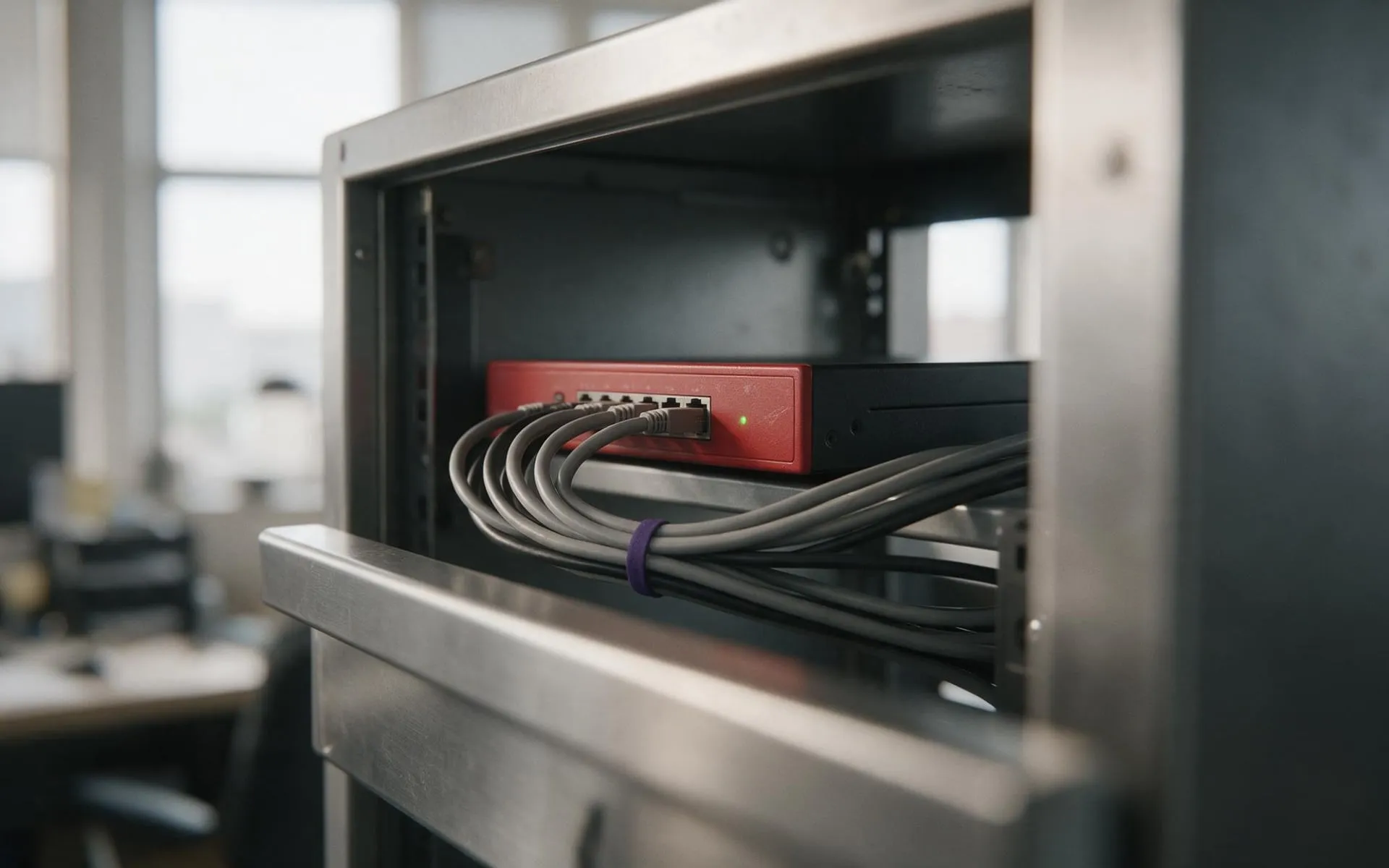 WatchGuard Gold Partner
Cybersecurity
Firewall, endpoint protection, email filtering and staff training that stops the phishing email landing.
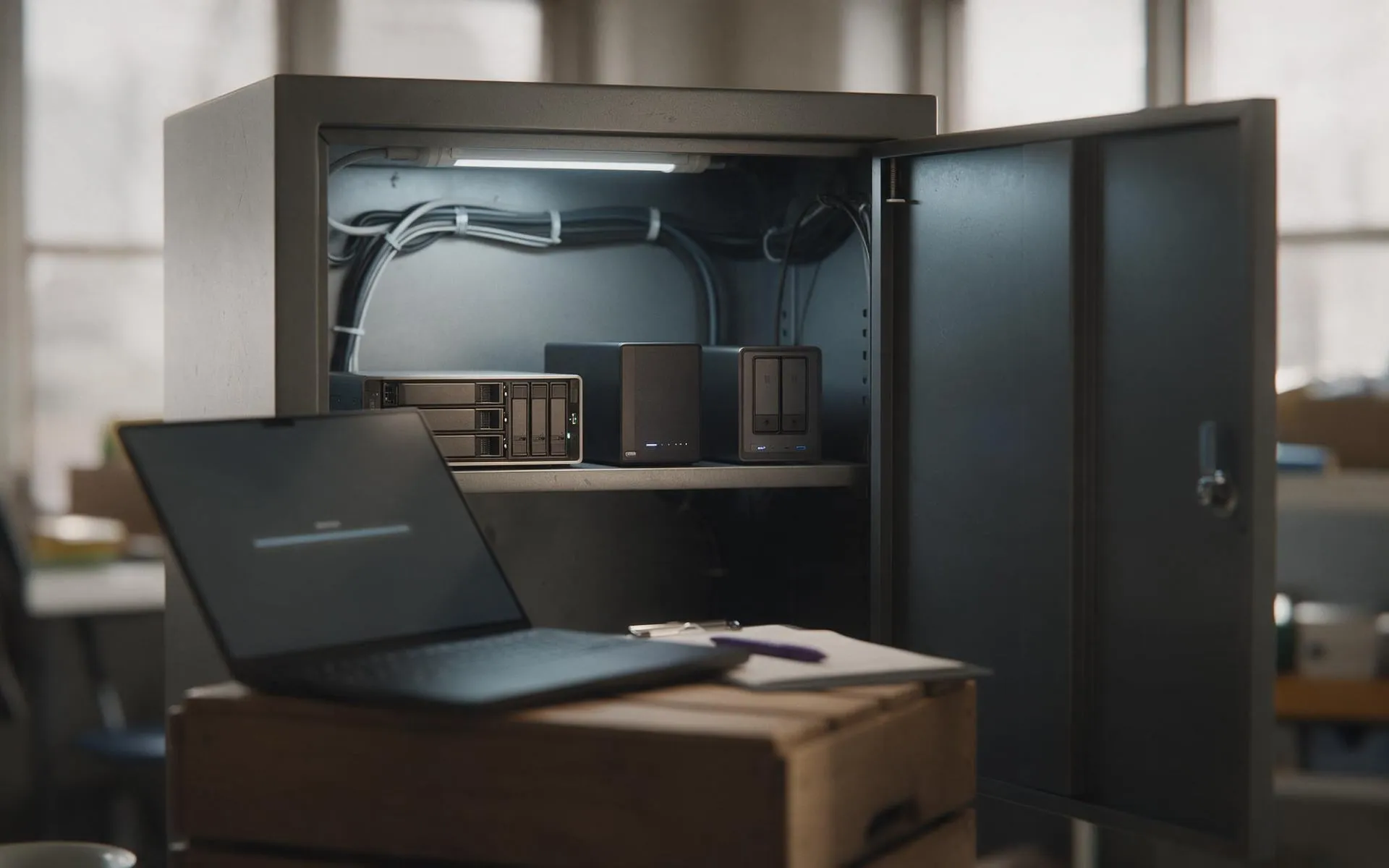 Tested, not assumed
Backup and disaster recovery
Image-based backups every 15 minutes, off-site copies, and a restore we actually test.
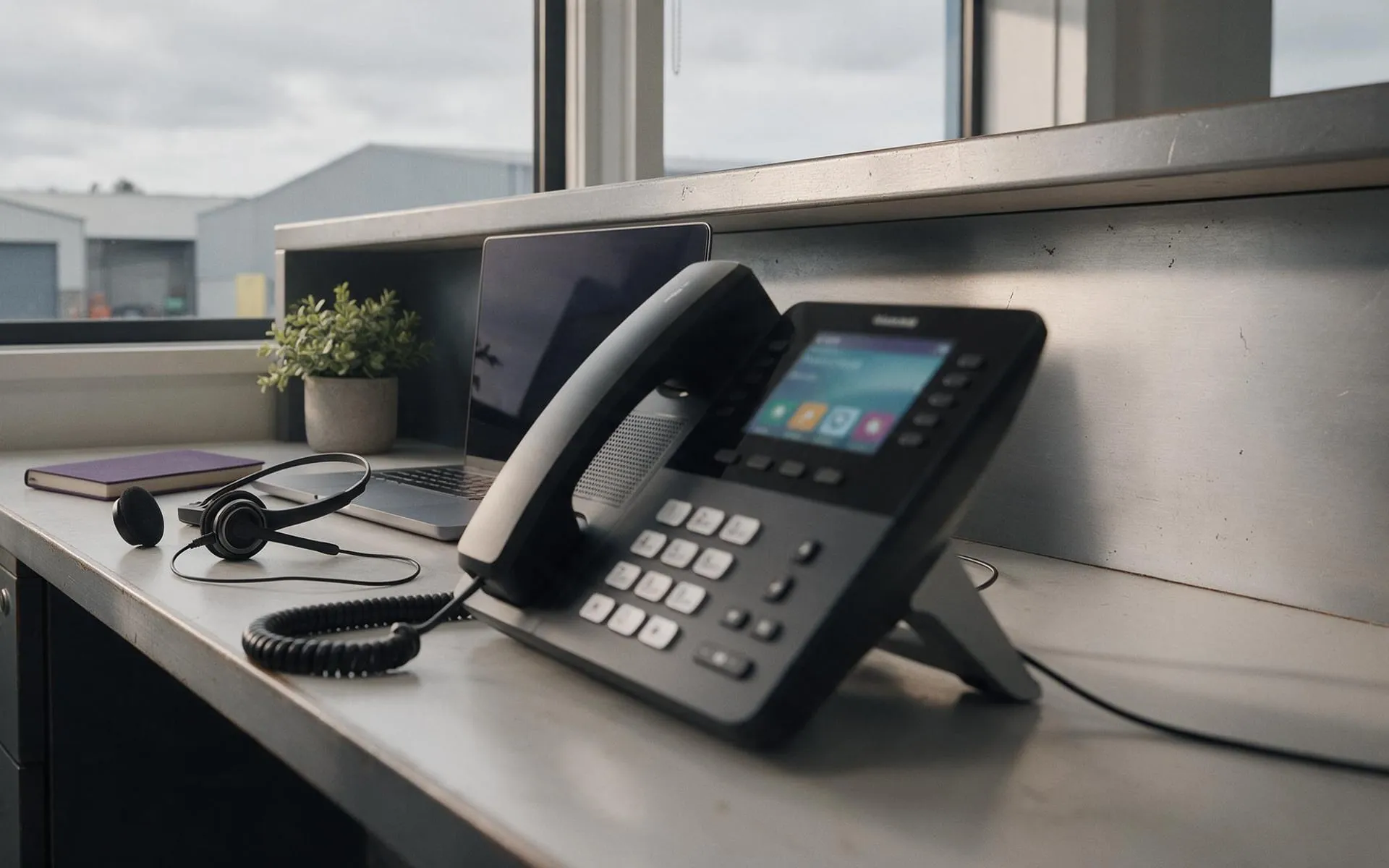 Hosted in NZ
VoIP phone systems
Business phones over your internet connection. Keep your numbers, drop the line rental.
 Migration · licensing · support
Microsoft 365
Email, files and Teams set up properly, licensed correctly and secured.
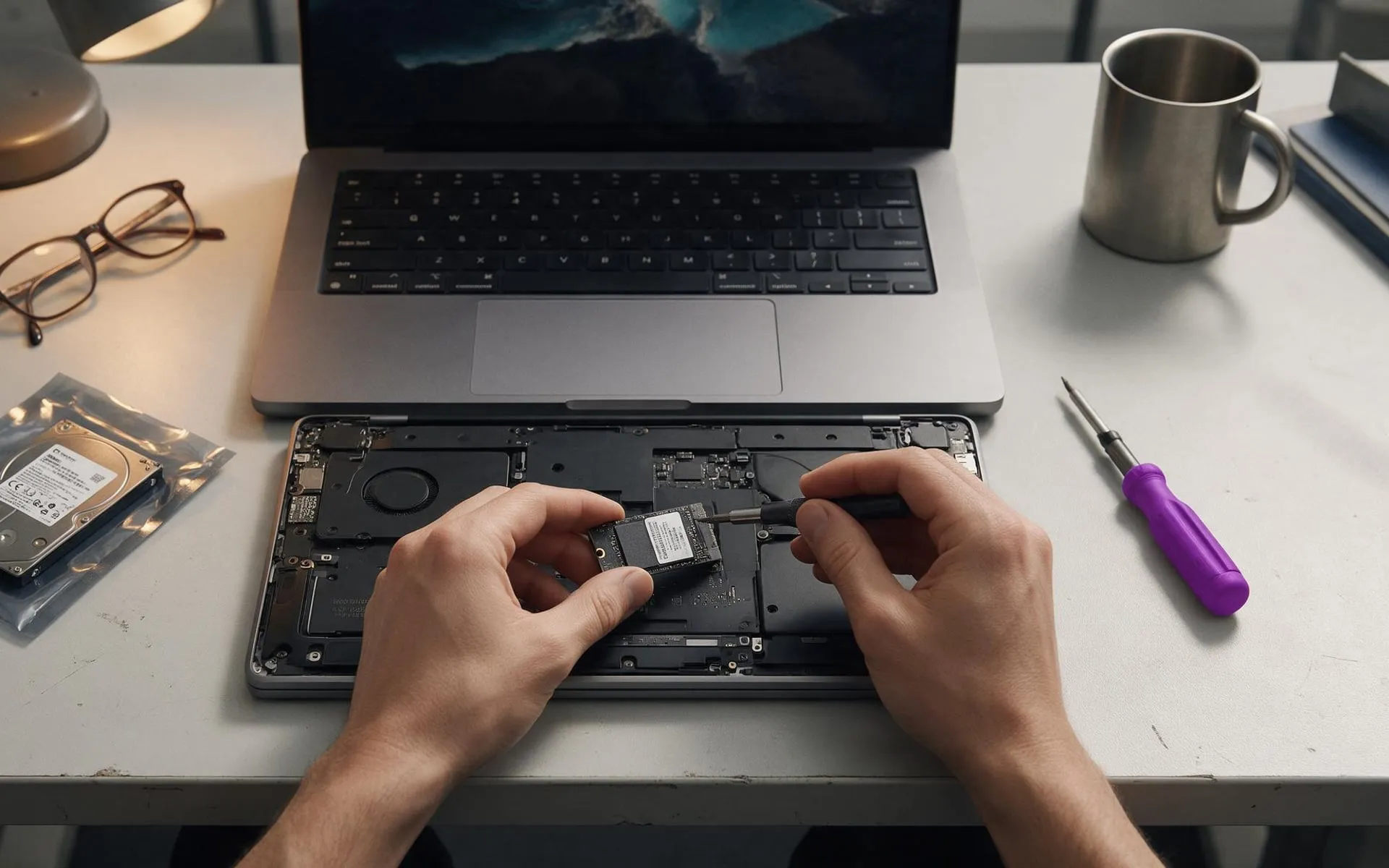 On-site · Auckland-wide
Business computer repair
Slow PCs, dead laptops, failed drives, network drops. Fixed at your desk, not in a queue.