
SharePoint: the file server, in the cloud, with permissions that make sense
Planned on a whiteboard before anything moves, synced into File Explorer so staff barely notice, and backed up separately so a bad Friday is fixed by Monday.
Eight things the old S: drive never did
SharePoint is where a Microsoft 365 business keeps its shared files. Done well it replaces the server in the cupboard, the NAS that beeps, and the Dropbox account someone set up in 2016. Done badly it is the same mess in a browser tab.
The difference is the hour on the whiteboard before the migration. How does the business actually work? Who needs to see what? What is a department, what is a project, what is a client? We have set this up for law offices where confidentiality is the point and for workshops where the point is finding the drawing.
SharePoint is part of every Microsoft 365 setup. Personal files live in OneDrive; team chat and the files it generates live in Teams, which is SharePoint underneath.
Is SharePoint a replacement for our file server?
For most small businesses, yes. Documents, spreadsheets, PDFs and images move to SharePoint and sync to each PC. The exceptions are large CAD or video libraries and old line-of-business software that needs a Windows share; those often stay on a small server or NAS alongside.
What does a SharePoint migration cost?
A fixed price based on data volume and how much restructuring you want. A 10-person office with 200 GB of files is typically a one to two week project with a weekend cutover. Storage is included in Microsoft 365 licences up to a generous limit.
Will staff have to learn something new?
Barely. With OneDrive sync the SharePoint libraries appear as folders in File Explorer. The new things, version history and sharing links, are the things they will thank you for.
Is SharePoint backed up?
Microsoft keeps versions and a recycle bin for 93 days. That is not a backup you control. We add one as part of backup and disaster recovery, so a mass deletion or ransomware sync can be rolled back fully.
Everything else we look after
Seven services, one set of technicians, delivered on-site across Auckland or remotely. Pick one or hand us the lot.
 Monthly · monitored · patched
Managed IT services
Your whole IT setup looked after for a fixed monthly fee, before things break.
 1 to 50 staff · Auckland
Small business IT support
Enterprise-grade support scaled to a business with no IT department.
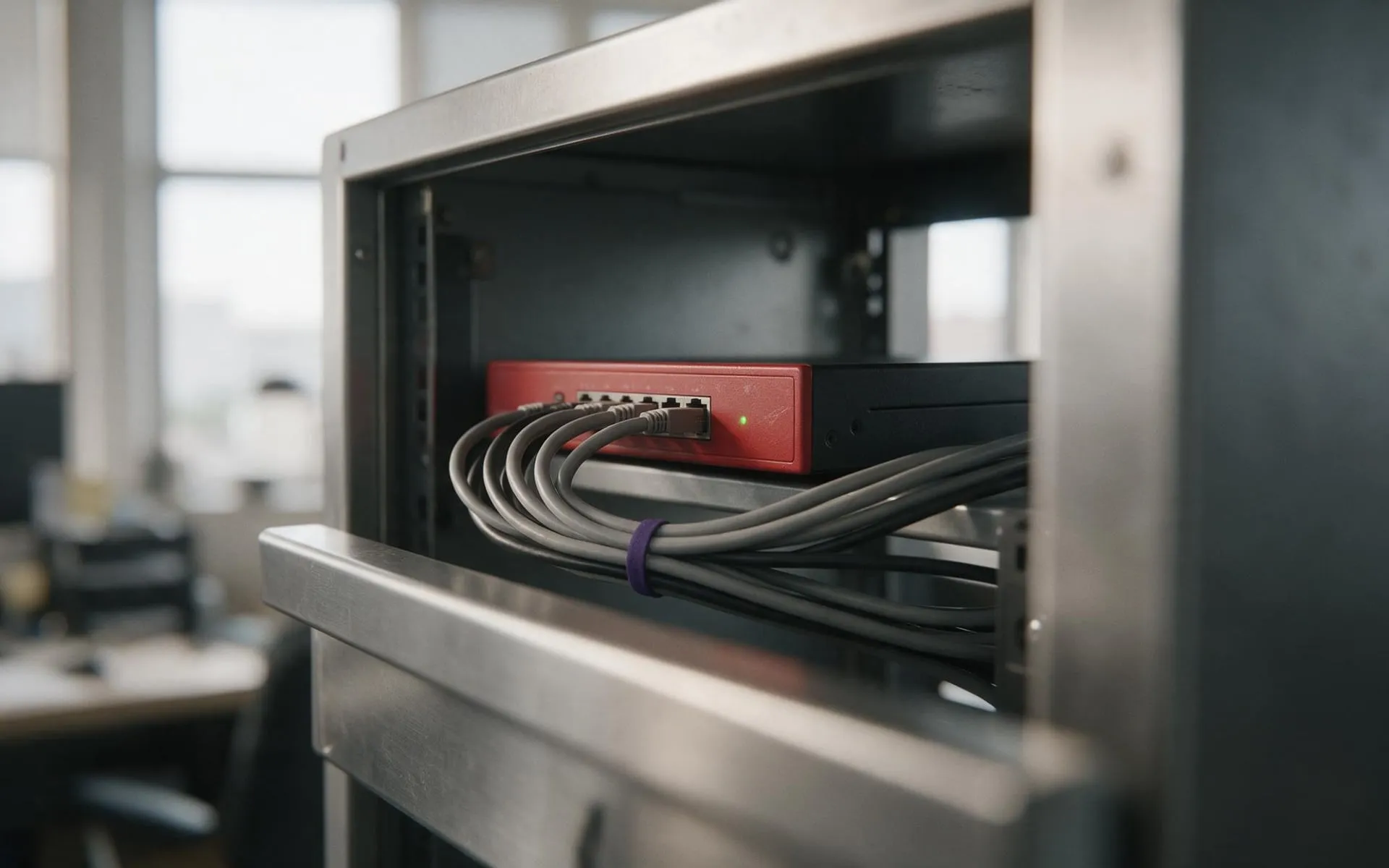 WatchGuard Gold Partner
Cybersecurity
Firewall, endpoint protection, email filtering and staff training that stops the phishing email landing.
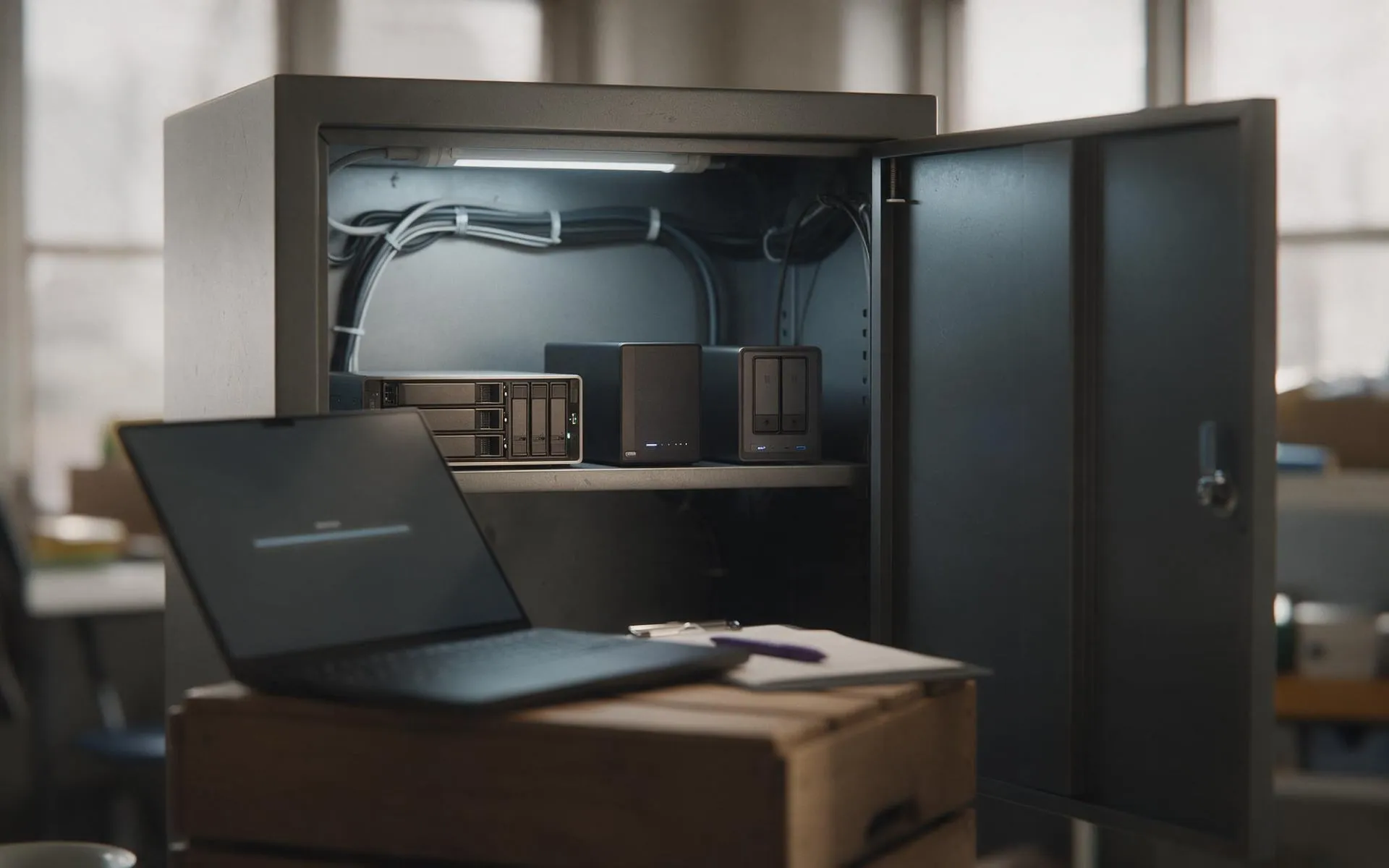 Tested, not assumed
Backup and disaster recovery
Image-based backups every 15 minutes, off-site copies, and a restore we actually test.
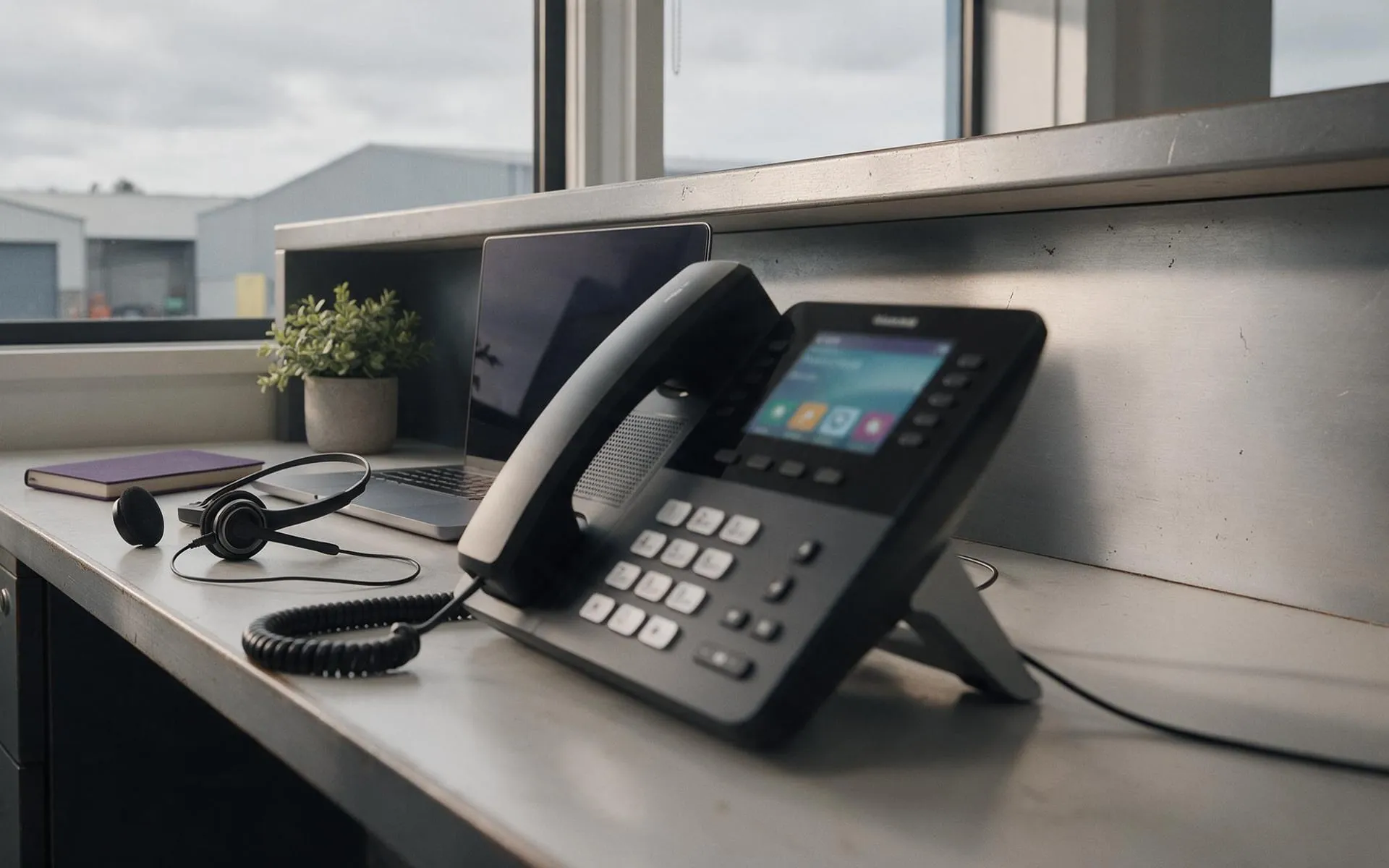 Hosted in NZ
VoIP phone systems
Business phones over your internet connection. Keep your numbers, drop the line rental.
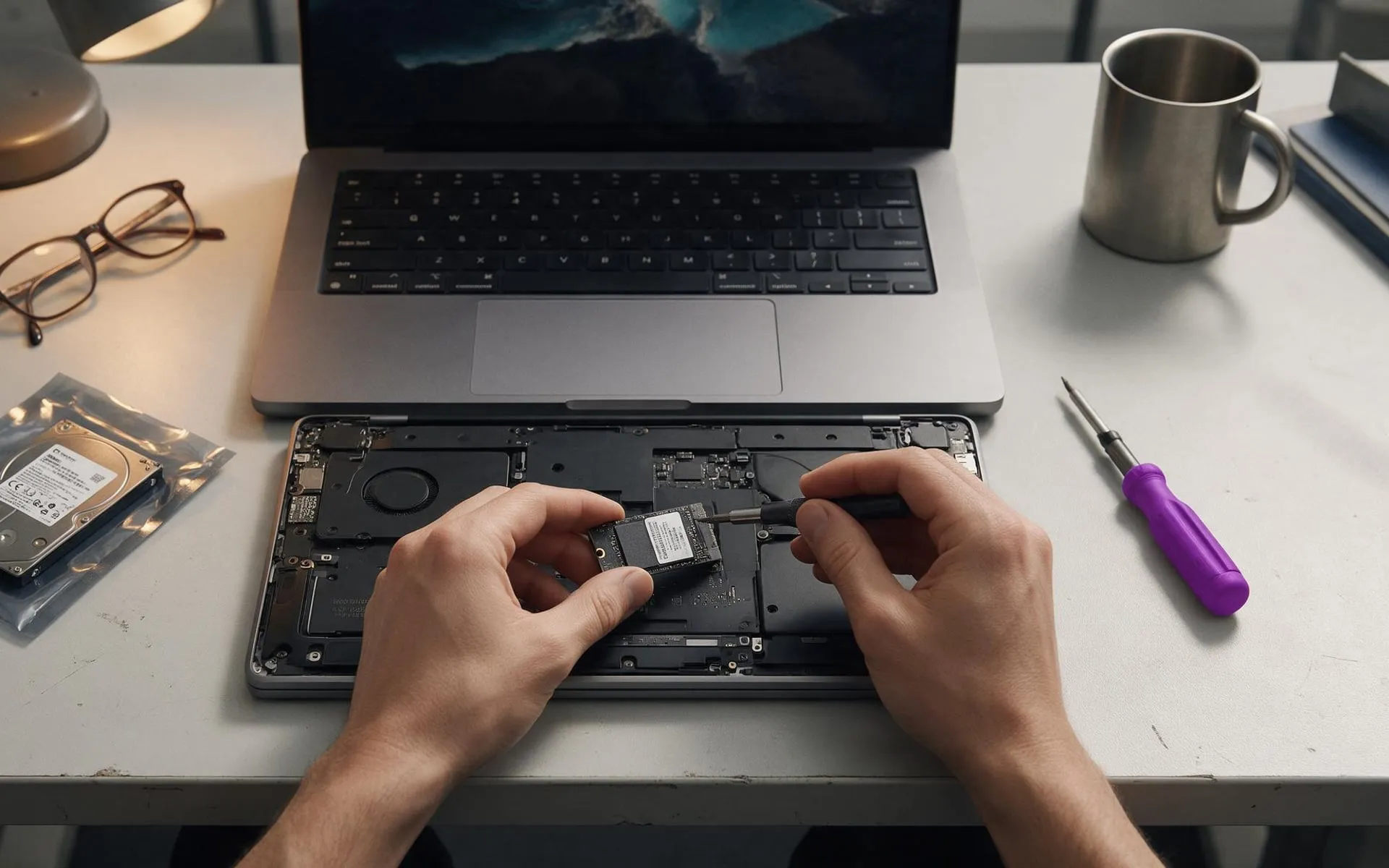 On-site · Auckland-wide
Business computer repair
Slow PCs, dead laptops, failed drives, network drops. Fixed at your desk, not in a queue.