
WatchGuard firewall security for small business
Enterprise-class network security in a box sized for 5 to 100 users. We supply it, install it after hours, and manage it so it is never the device nobody has logged into since 2023.
What the subscription switches on
A Firebox without a licence is a good router. With Total Security Suite it is nine services that inspect, filter and sandbox everything crossing the edge of your network, and report on it in language an owner can read.
Small businesses are targeted because they usually have no real firewall. A Firebox gives a 12-person flooring company the same edge protection a 500-person firm runs, for a few dollars a day. We have put them in front of accountants, law offices, workshops and a hotel.
More detail in our WatchGuard firewall post and how DNSWatch stops a phishing click.
Three WatchGuard add-ons we usually recommend
AuthPoint MFA
Push-to-phone multi-factor for Microsoft 365, VPN and Windows logins. The single cheapest control against stolen passwords.
EPDR endpoints
Endpoint protection, detection and response on every PC and server, correlated with the Firebox through ThreatSync.
Secure Wi-Fi
WatchGuard access points managed from the same console. Separate guest network, no shared password on a sticky note.
What does a WatchGuard firewall cost for a small business in NZ?
A Firebox sized for a 10 to 25 person office with a three-year Total Security licence, installed, is a fixed one-off quote. Managed service on top is a modest monthly fee that covers rule changes, firmware, monitoring and the monthly report. We will quote it after a 15 minute call.
Is the router from our internet provider not a firewall already?
It does basic NAT and that is about it. It does not inspect traffic, filter web or DNS, sandbox files or report anything. The ISP router stays as the modem; the Firebox sits behind it and does the security.
Which Firebox model do we need?
For most Auckland small businesses the T25 or T45 with Total Security. Above 50 users, or with heavy VPN use, the T85 or an M-series. We size on your internet speed, user count and whether you have remote staff, and we will not sell you the bigger one to be safe.
Do you manage it after install, or do we?
Either. Most clients have us manage it: firmware updates, rule changes when you add a service, and a monthly report of what was blocked. It is a small monthly fee and it means the firewall is never the thing nobody has logged into for two years.
Can the Firebox handle remote workers?
Yes. The Firebox terminates VPN for staff working from home, or you use it with Microsoft 365 conditional access and skip the VPN entirely. We set up whichever fits how your staff work. Our remote work guide covers the options.
Everything else we look after
Seven services, one set of technicians, delivered on-site across Auckland or remotely. Pick one or hand us the lot.
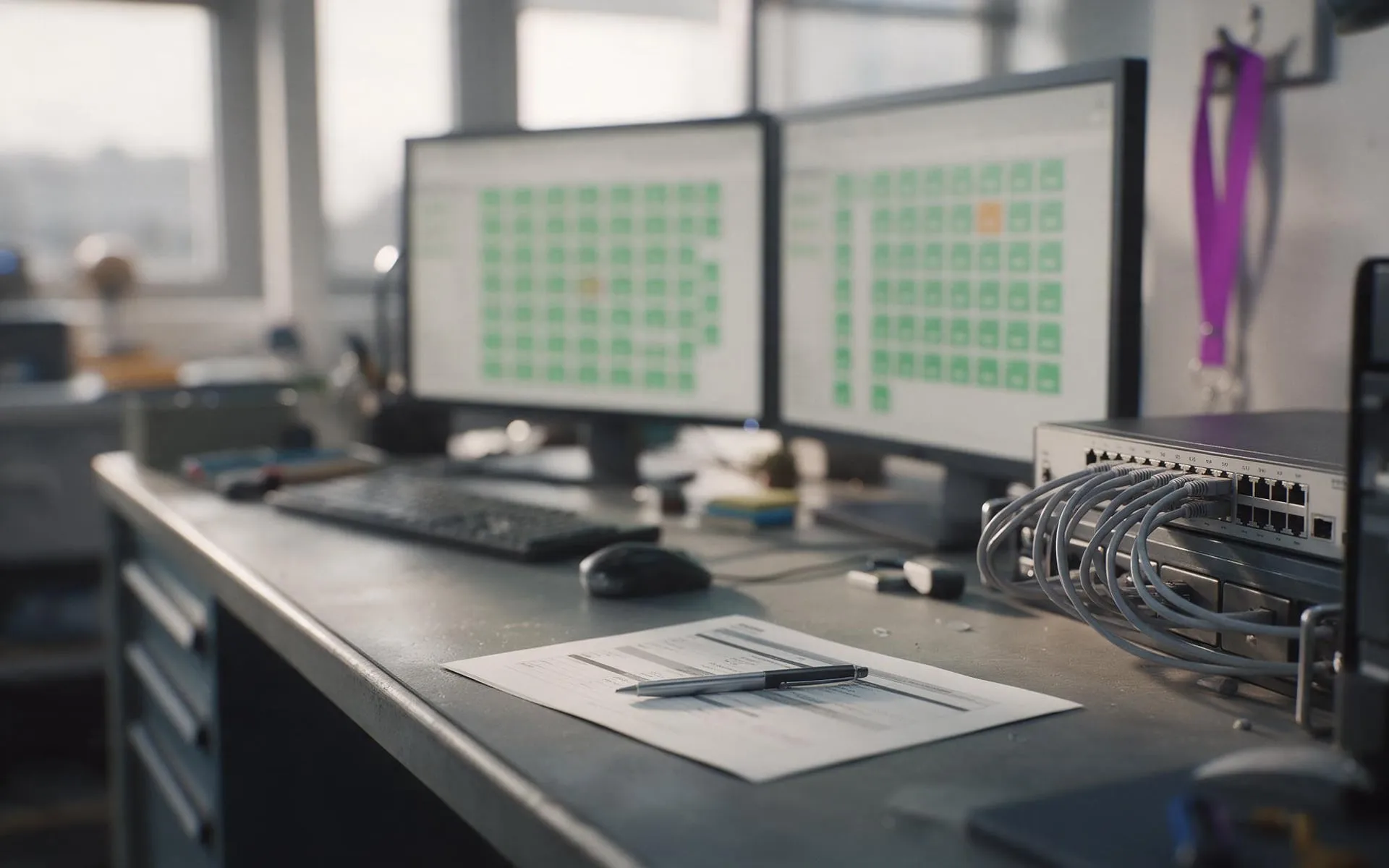 Monthly · monitored · patched
Managed IT services
Your whole IT setup looked after for a fixed monthly fee, before things break.
 1 to 50 staff · Auckland
Small business IT support
Enterprise-grade support scaled to a business with no IT department.
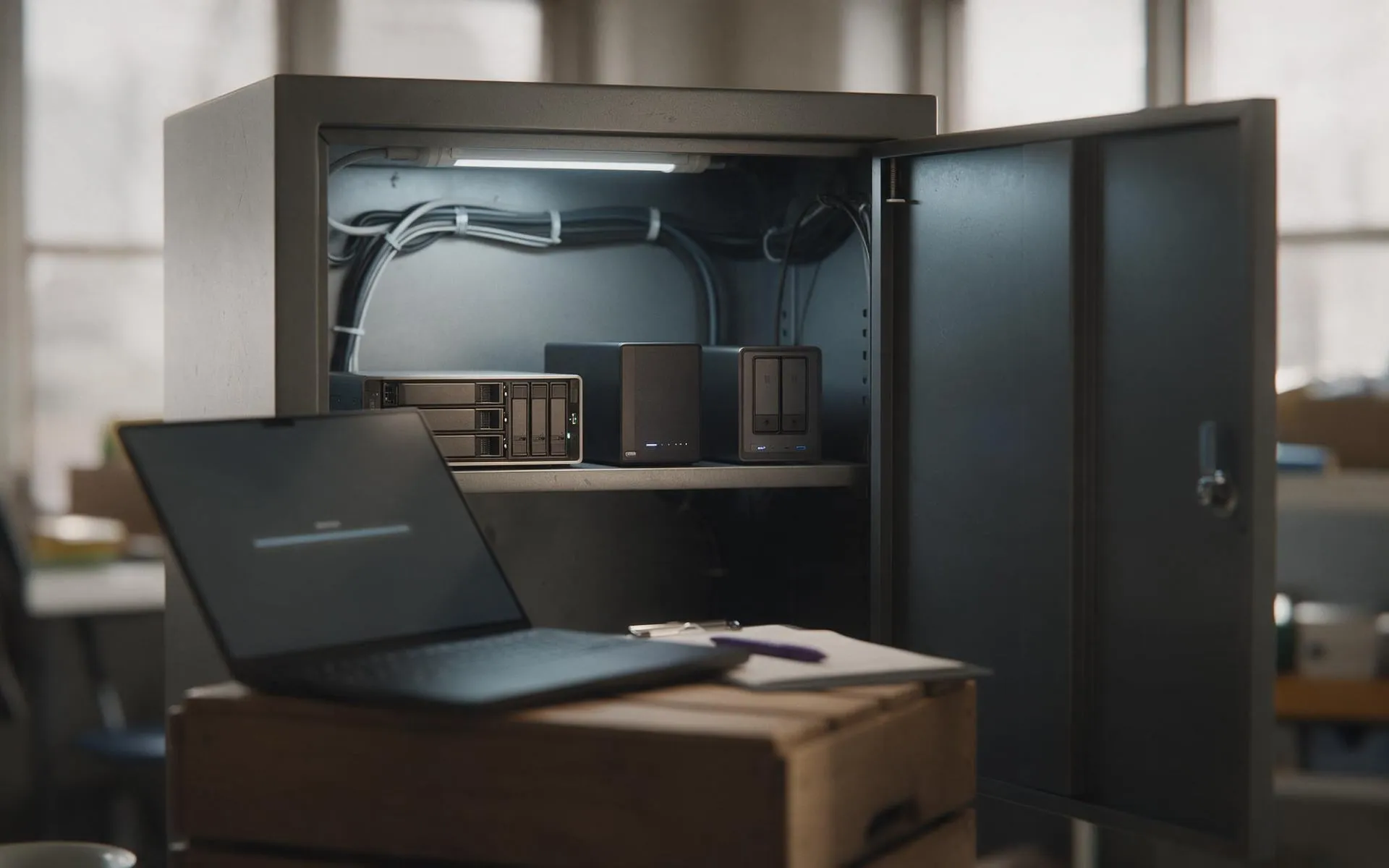 Tested, not assumed
Backup and disaster recovery
Image-based backups every 15 minutes, off-site copies, and a restore we actually test.
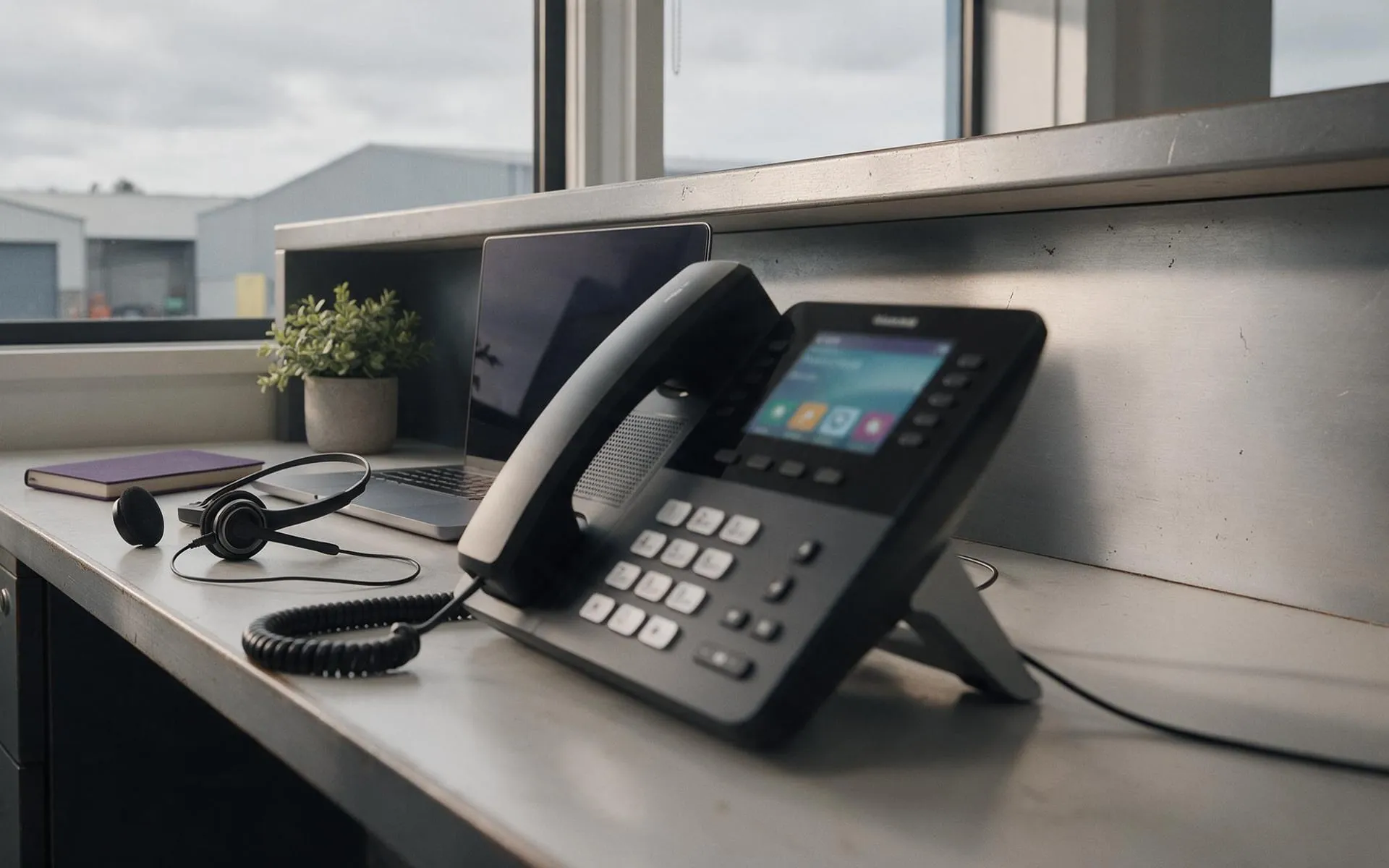 Hosted in NZ
VoIP phone systems
Business phones over your internet connection. Keep your numbers, drop the line rental.
 Migration · licensing · support
Microsoft 365
Email, files and Teams set up properly, licensed correctly and secured.
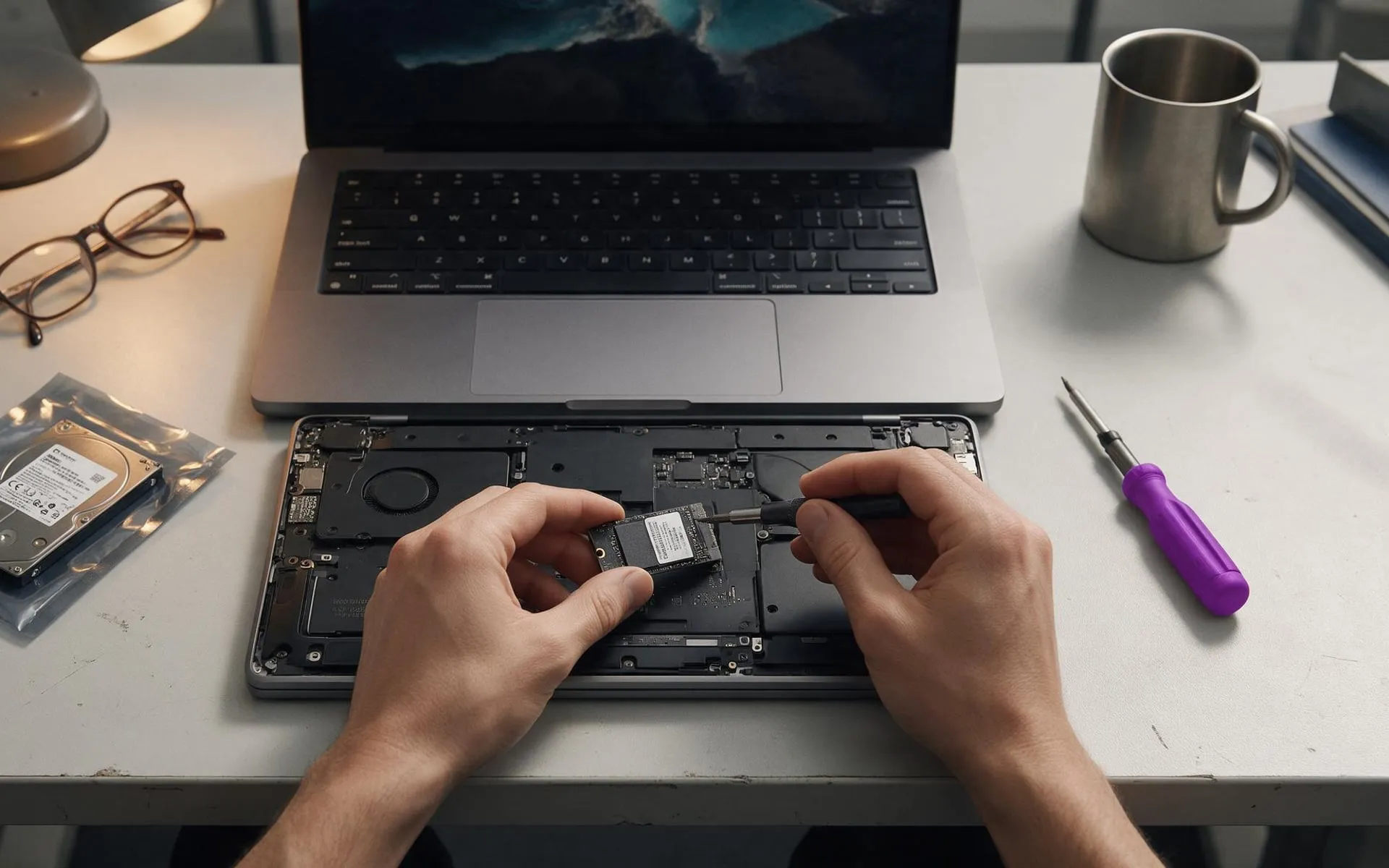 On-site · Auckland-wide
Business computer repair
Slow PCs, dead laptops, failed drives, network drops. Fixed at your desk, not in a queue.